上古卷轴5:重置版MOD Dark Souls III风格主菜单替换
MOD介绍:
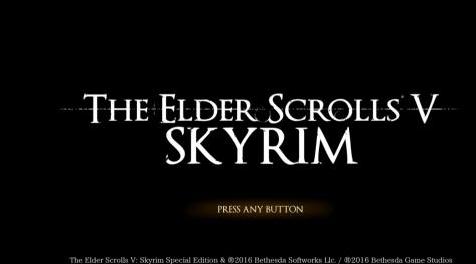
一个简单的主菜单替代品,以Dark Souls III标题屏幕的形象精心制作。
四个版本:
风格1没有“SKYRIM”和全部大写(这个我认为最真实的Dark Souls III菜单)
风格2与“SKYRIM”
风格1也没有“按任何按钮”
风格2也没有“按任意按钮”
由于版权没有包含音乐,但如果您拥有Dark Souls III数字音轨并且想要使用该游戏的Skyrim菜单主题,您可以将mp3文件转换为xwm(使用这样的工具)并添加到数据中文件夹或ModOrganizer mod文件夹如下:
>音乐
>特殊
mus_maintheme.xwm
安装:
使用您最喜欢的mod安装程序或手动将网格和纹理文件夹放入“Steam \ steamapps \ common \ Skyrim Special Edition \ Data”
卸载:
使用mod安装程序或手动删除“meshes \ interface \ logo \ logo.nif”和“textures \ interface \ objects \ mainmenuwallpaper.dds”
积分:
Optimus Princeps Fontby Manfred Klein
我自己在Photoshop CS6中制作的菜单设计
请享用!
——————————————————————————————————————————————
A simple main menu replacer crafted in the likeness of the Dark Souls III title screen.
Four versions:
Style 1 without "SKYRIM" and in all caps (this one I feel is truest to the Dark Souls III menu)
Style 2 with "SKYRIM"
Style 1 also without "PRESS ANY BUTTON"
Style 2 also without "PRESS ANY BUTTON"
No music included due to copyright, but if you own the Dark Souls III digital soundtrack and would like to use that game's menu theme for Skyrim, you can convert the mp3 file to xwm (using a tool like this) and add to the data folder or a ModOrganizer mod folder as follows:
>music
>special
mus_maintheme.xwm
Installation:
Use your favorite mod installer or manually drop the meshes and textures folders into "Steam\steamapps\common\Skyrim Special Edition\Data"
Uninstallation:
Use a mod installer or manually remove "meshes\interface\logo\logo.nif" and "textures\interface\objects\mainmenuwallpaper.dds"
Credits:
Optimus Princeps Fontby Manfred Klein
Menu design made by myself in Photoshop CS6
Enjoy!
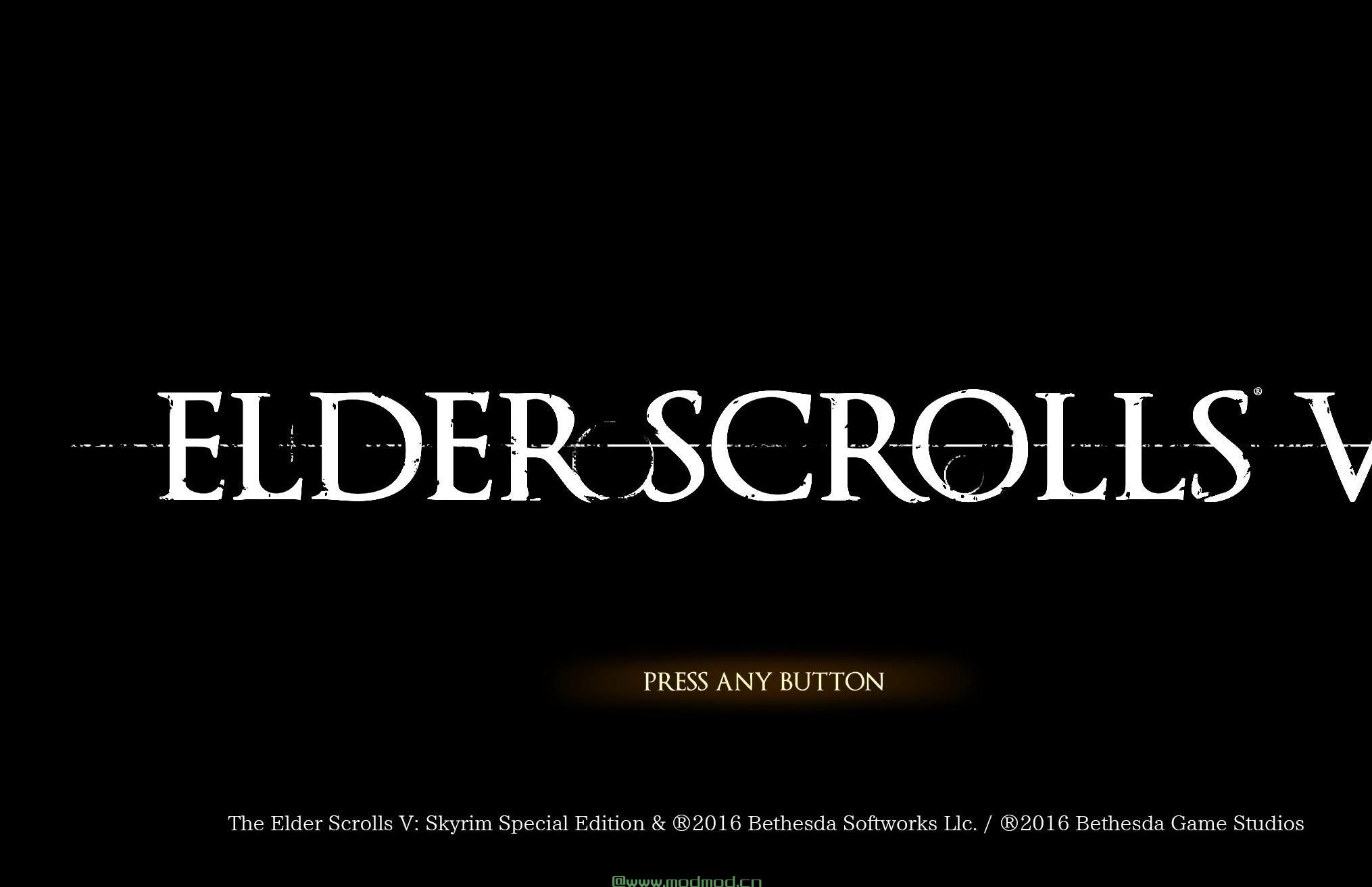
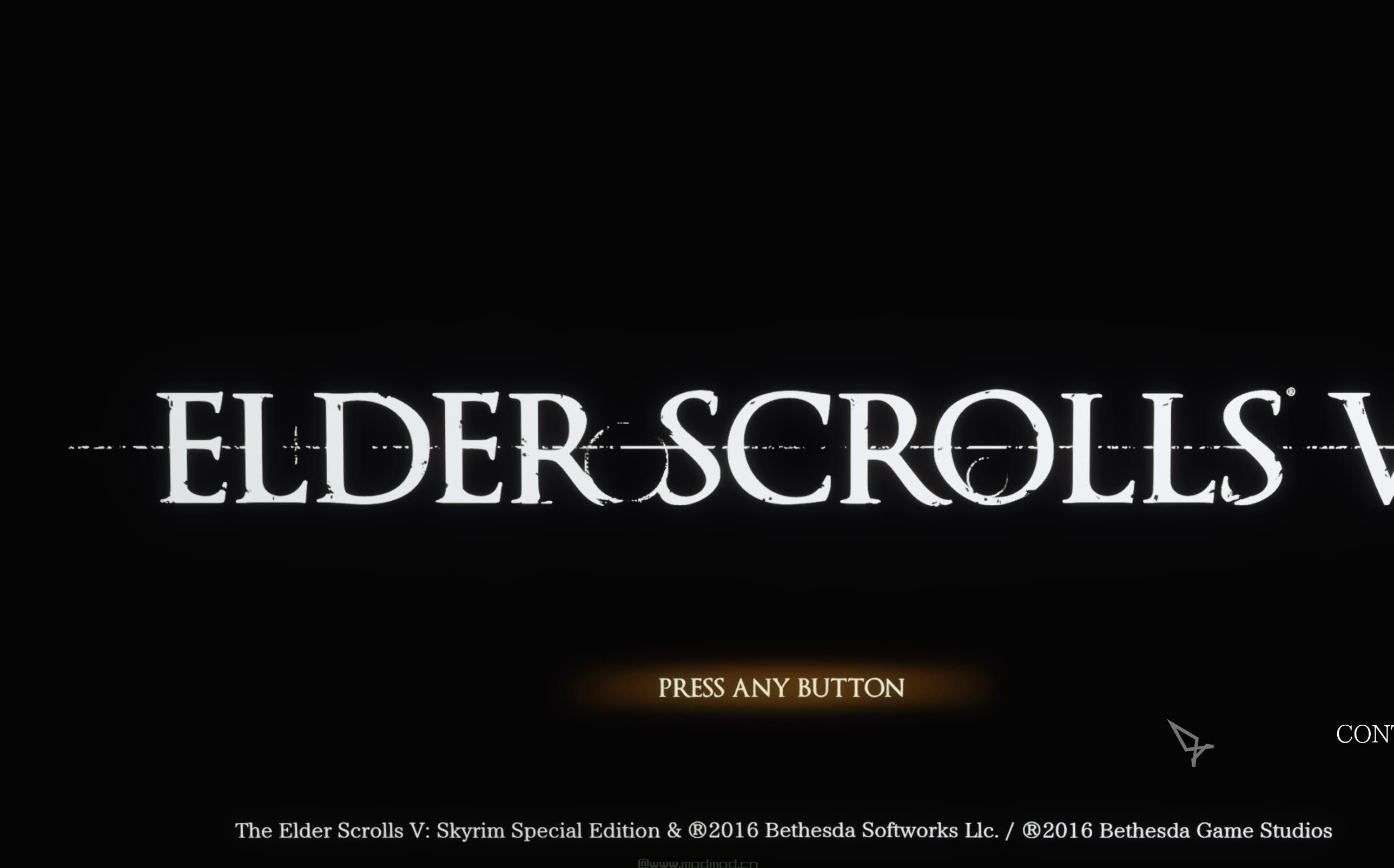
演示截图:
资源查找:
最新文章
点击热榜
推荐问答
- [问答]情商课一般几岁孩子去学比较好?
- [问答]怎么看自己孩子情商低不低?孩子情商低的10大特征是真的吗?
- [问答]我想提高情商和说话要看什么书?
- [问答]顾三月情感课程pdf谁有?
- [问答]谁有情感培训课程资源?
- [问答]如何看卖情感课程正规还是不正规?
回复区
昵称:
邮箱:
内容: