上古卷轴5:重置版MOD 用于LE或SE的Papyrus编译器应用程序
MOD介绍:
要求
Papyrus编译器安装在您的“Skyrim目录/ Papyrus编译器/ Papyrus Compiler.exe”中,可从Creation Kit的安装中获得
特征
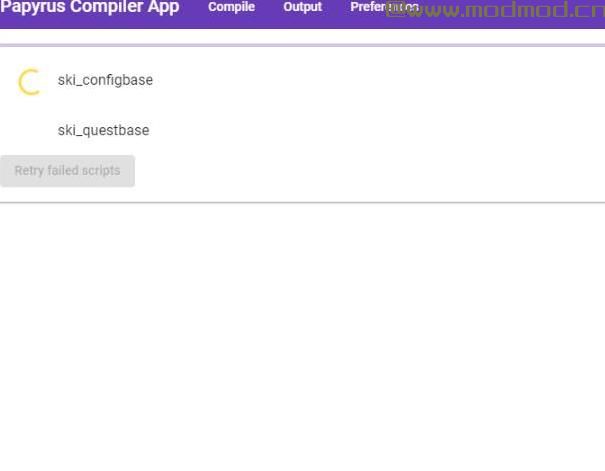
一次编译多个脚本。
设置您始终要编译的脚本。
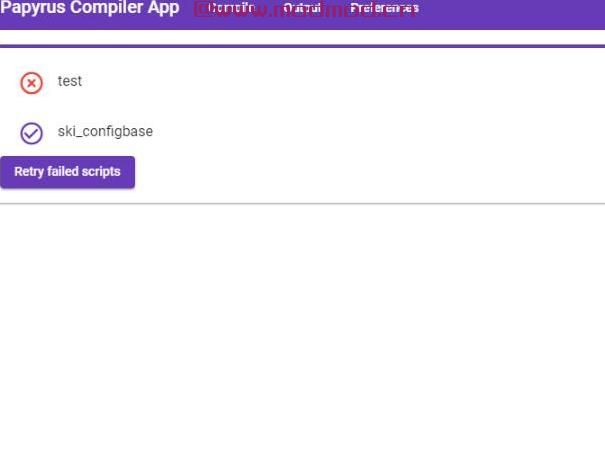
只需单击一下即可重新编译错误的脚本。 (1#1#0)
选择脚本时自动完成支持,由于性能原因,目前限制为最后修改的100个文件。 (1#3#0)
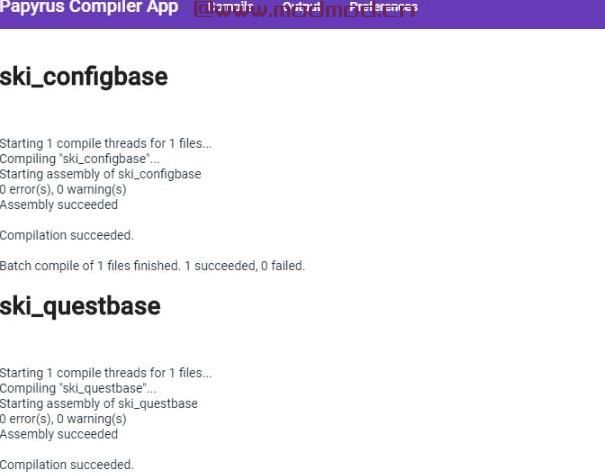
访问编译日志。 (1#1#0)
适用于天际的LE / SE版本。
如果从MO / MO2开始,则使用MO / MO2。
启动papyrus-compiler-app.exe,你很好!
功能进来
能够创建可以快速编译的脚本组。
常问问题
- 为什么编译多个脚本有帮助?
一次编译多个脚本可以加快纸莎草纸脚本的构建过程(例如,“总是编译那些脚本”首选项)。
- 编译脚本总是失败
检查Papyrus编译器是否安装在Creation Kit的安装中的“Skyrim / SkyrimSE目录\ Papyrus编译器\ Papyrus Compiler.exe”中
——————————————————————————————————————————————————————
Requirements
Papyrus Compiler installed in your "Skyrim directory/Papyrus Compiler/Papyrus Compiler.exe" available from Creation Kit's installation
Features
Compile multiple scripts at once.
Set your scripts that you always want to compile.
Recompile scripts in error with one click. (1#1#0)
Auto complete support when selecting scripts, currently limited to 100 last modified file due to performance. (1#3#0)
Access compilations logs. (1#1#0)
Works with LE/SE version of Skyrim.
Works with MO/MO2 if started from it.
Start papyrus-compiler-app.exe and you're good!
Features coming in
Ability to create groups of scripts that can be compiled quickly.
FAQ
- Why do compile multiple scripts help ?
Compiling multiple scripts at once can fasten your build process of papyrus scripts (with "always compile those scripts" preferences for example).
- Compiling scripts always failed
Check that Papyrus Compiler is installed in your "Skyrim/SkyrimSE directory\Papyrus Compiler\Papyrus Compiler.exe" available from Creation Kit's installation
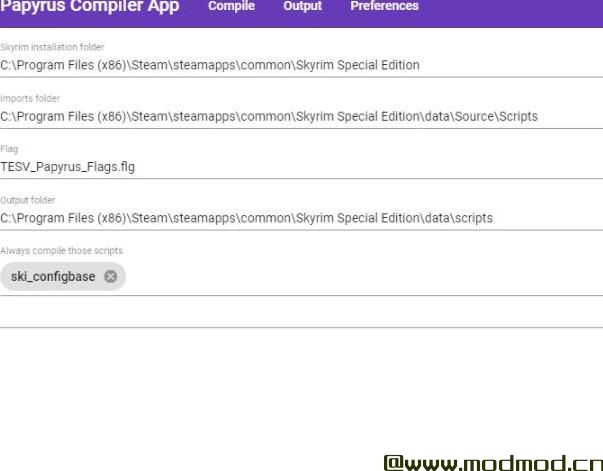
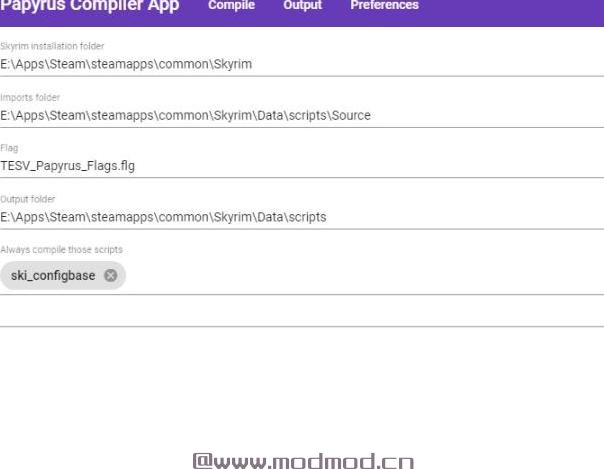
演示截图:
资源查找:
最新文章
点击热榜
推荐问答
- [问答]情商课一般几岁孩子去学比较好?
- [问答]怎么看自己孩子情商低不低?孩子情商低的10大特征是真的吗?
- [问答]我想提高情商和说话要看什么书?
- [问答]顾三月情感课程pdf谁有?
- [问答]谁有情感培训课程资源?
- [问答]如何看卖情感课程正规还是不正规?
回复区
昵称:
邮箱:
内容: