侠盗猎车手5「GTA5」Mod: 轻松的驾驶风格
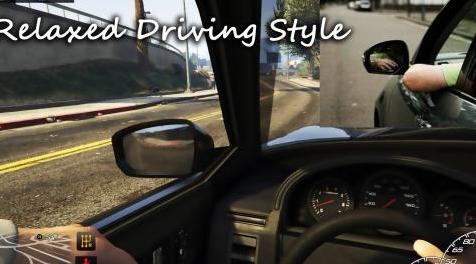
MOD介绍:
详细描述
遇到困难的原因我决定将模块从EnhancedDrivingExperience分离到不同的项目,所以如果你使用其中一个,你需要删除我的EnhancedDrivingExperience脚本!
此脚本可让您打开/关闭前窗,并更改汽车驾驶风格(右侧膝盖上的窗框/手臂上的手臂)。
安装
只需将所有文件从Script文件夹中删除到GTAV / Scripts /文件夹;
要求
-GTA V v1#0#877.1到1#0#1290.1或更高版本(可能旧版本也可以使用,我还没有测试过);
-Latest ScriptHookV;
-ScriptHookVDotNet2.5或更高版本;
-Uinative 1.7或更高(包括在内);
-NAudio.dll(包含);
------控制:------
〜可以在.ini文件中自定义
默认
按住“WeaponSelect”按钮打开WINDOW_MENU;
按住“SecondContextAction”打开DRIVING_STYLE_MENU;
变化
如何使用:
在任何车辆(飞机,船,自行车和直升机除外)中,按住WINDOW_MENU按钮并按下WINDOW_UP按钮打开窗口(您可以在.ini文件中自定义,这样两个前窗都会打开)。一旦打开左前窗,您就可以申请通过按住DRIVING_STYLE_MENU按钮并按下样式键(ARM_TOP,ARM_DOWN,ARM_LOW)来放松驱动程序样式。
Discription
Cause of hard perfomance hit i've decided to separate modules from EnhancedDrivingExperience to different projects, so if you use one of them ,you NEED to delete my EnhancedDrivingExperience scripts!
This script lets you to open/close front windows, and change car driving style (arm on window frame/ arm on right knee).
Installation
Just drop all files from the Script folder to your GTAV/Scripts/ folder;
Requirements
-GTA V v1#0#877.1 to 1#0#1290.1 or higher (Probably old versions will work too,i didnt tested it yet);
-Latest ScriptHookV;
-ScriptHookVDotNet2.5 or higher;
-UINative 1.7 or higher(Included);
-NAudio.dll (Included);
------Controls:------
~Can be customized in .ini file
Default
Hold "WeaponSelect" button open WINDOW_MENU;
Hold "SecondContextAction" to open DRIVING_STYLE_MENU;
Changes
How to use:
While in any vehicle (except planes,boats,bikes and helis), hold WINDOW_MENU button and press WINDOW_UP button to open window (you can customize in .ini file so both front windows would open).Once left front window is opened you can apply relaxed driver style by Holding DRIVING_STYLE_MENU button and pressing style keys (ARM_TOP , ARM_DOWN, ARM_LOW).
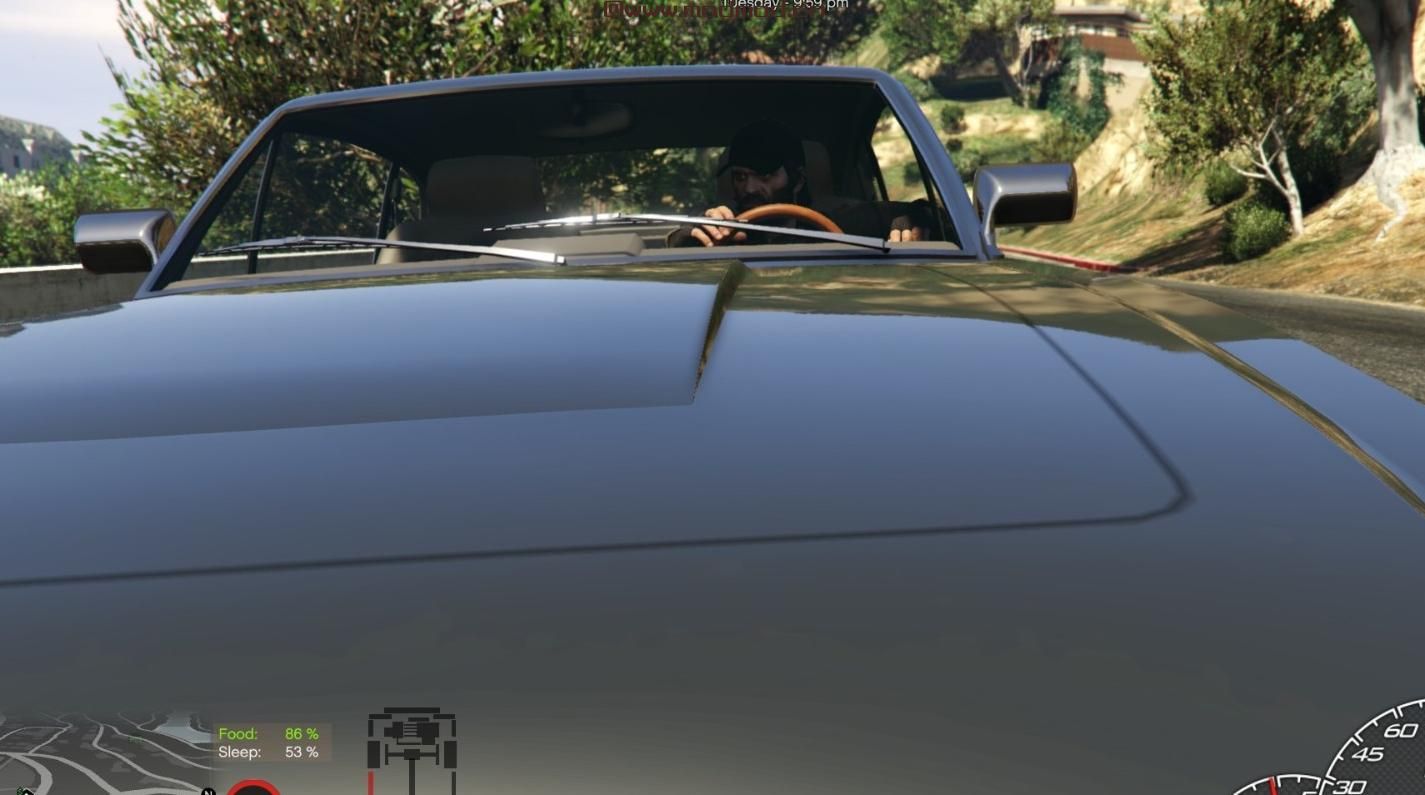
演示截图:
资源查找:
最新文章
点击热榜
推荐问答
- [问答]情商课一般几岁孩子去学比较好?
- [问答]怎么看自己孩子情商低不低?孩子情商低的10大特征是真的吗?
- [问答]我想提高情商和说话要看什么书?
- [问答]顾三月情感课程pdf谁有?
- [问答]谁有情感培训课程资源?
- [问答]如何看卖情感课程正规还是不正规?
实时热榜
- [讨论]让9一15岁培养高情商的孩子相关书籍和课程分享!
- [讨论]如何从小培养孩子的高情商?
- [问答]怎么看自己孩子情商低不低?孩子情商低的10大特征是真的吗?
- [讨论]豆豆推书:人类交际的终生艺术
- [讨论]三星堆博物馆门票网上预约购买入口在哪?
- [问答]情商课一般几岁孩子去学比较好?
回复区
昵称:
邮箱:
内容: