上古卷轴5:重置版MOD 配偶Redux
MOD介绍:
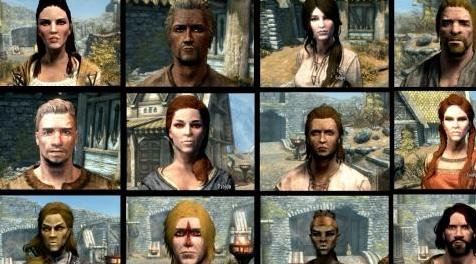
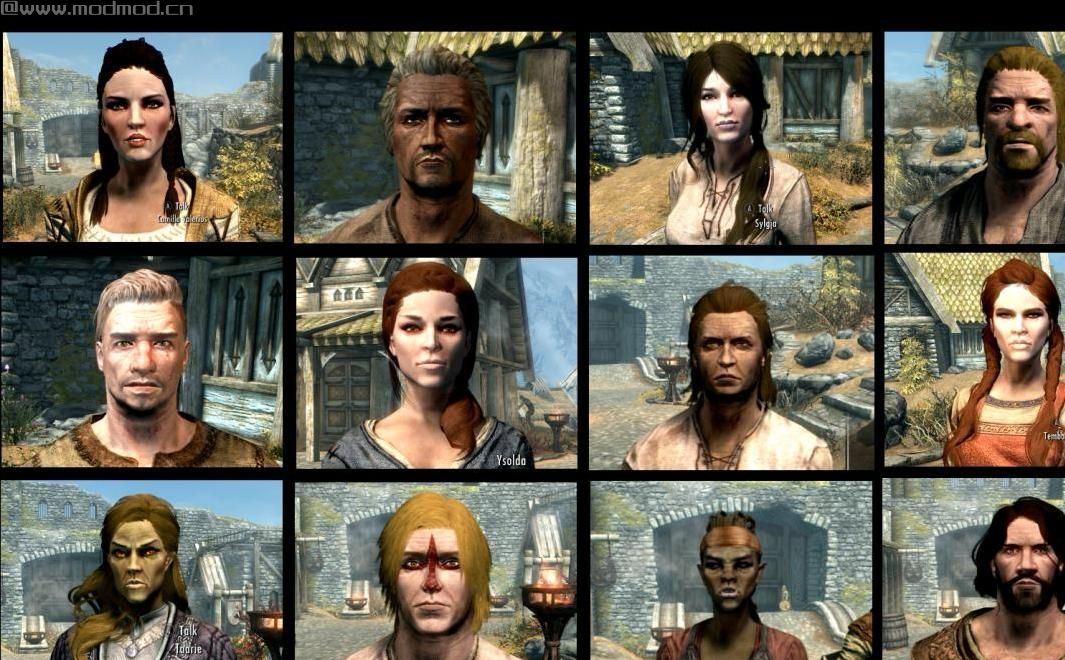
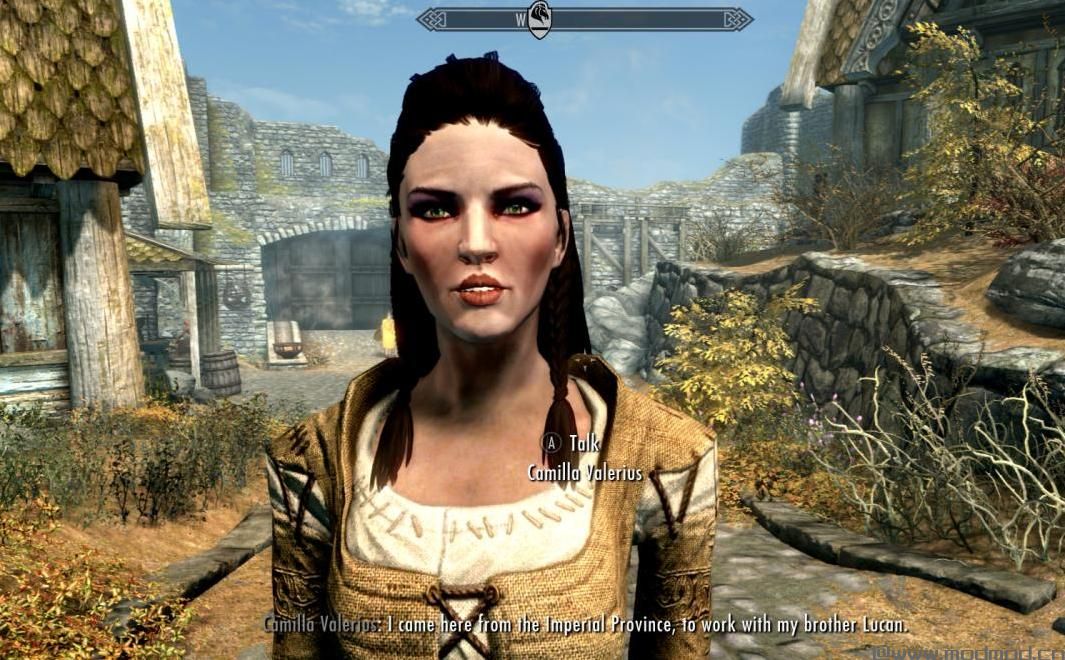
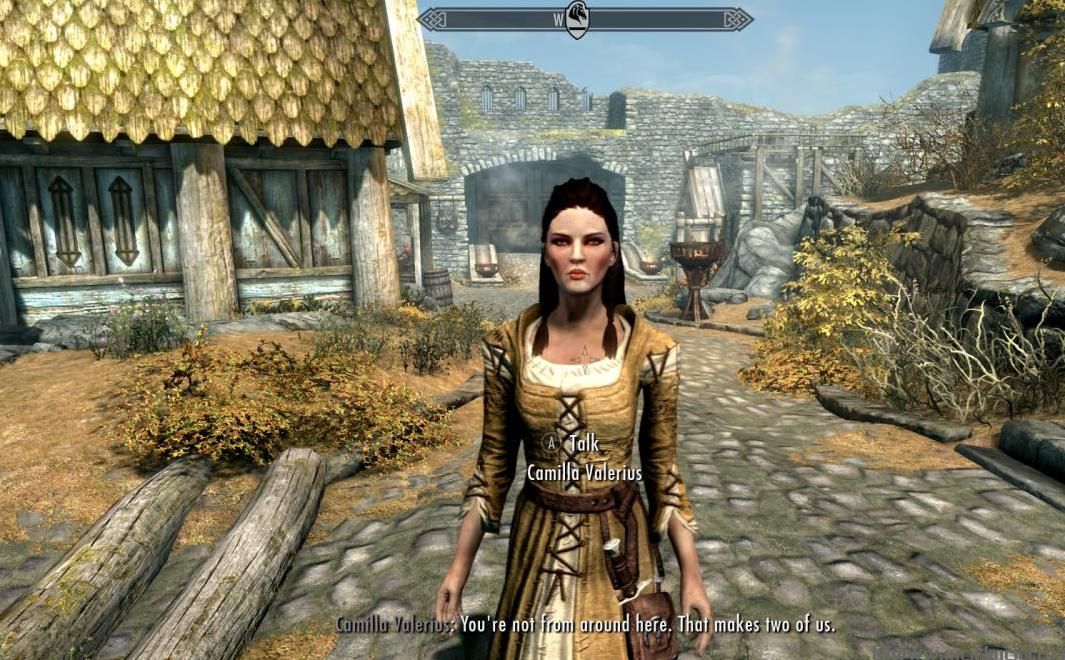
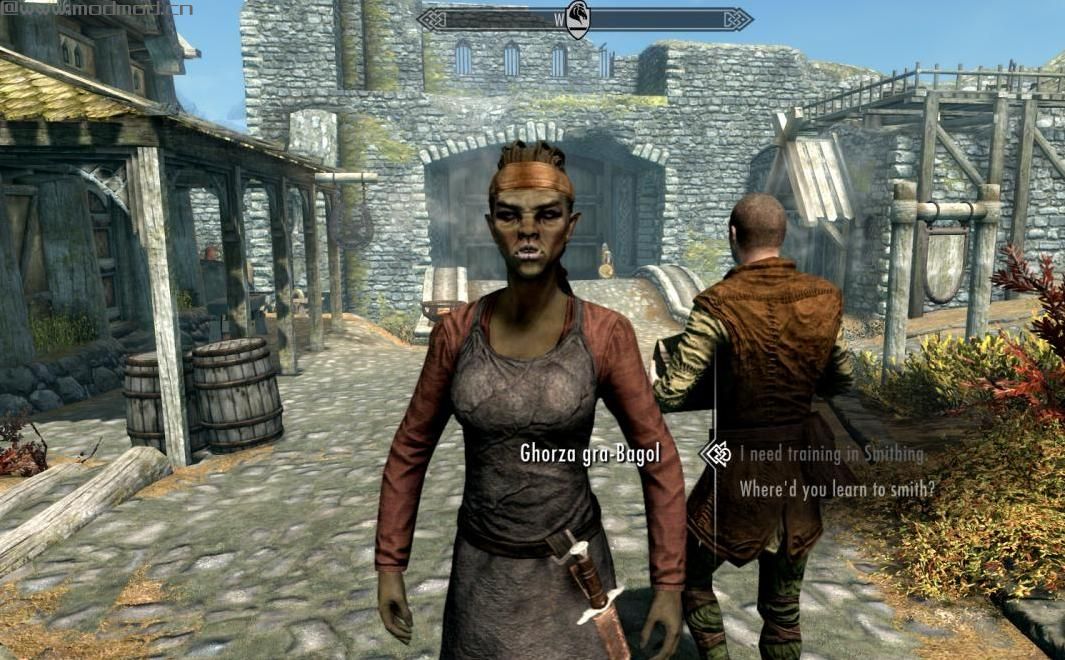
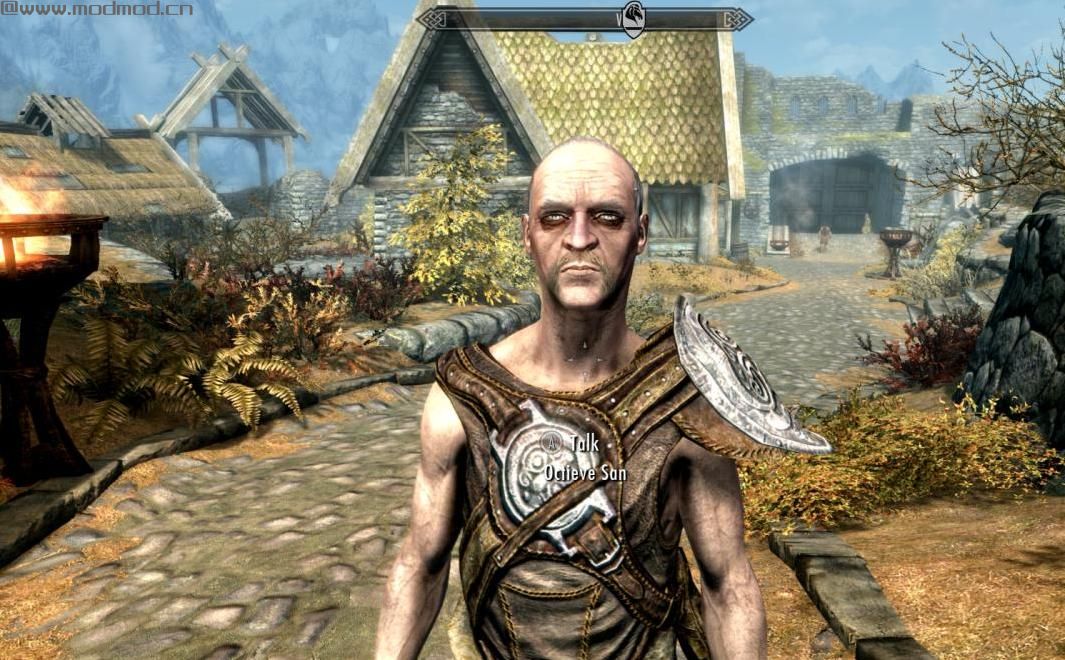
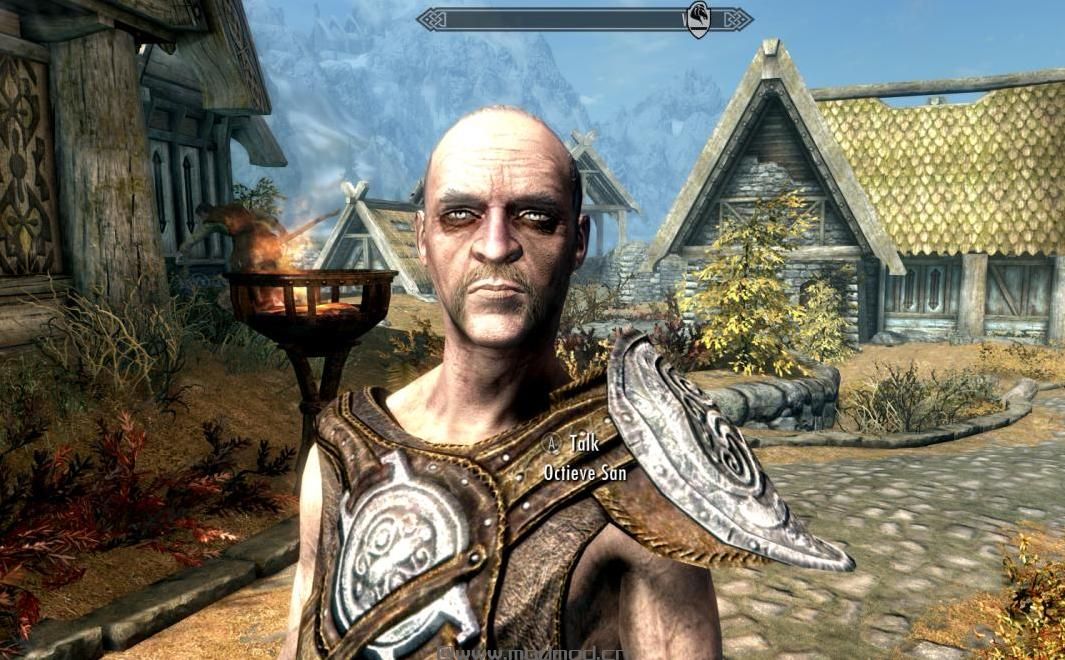
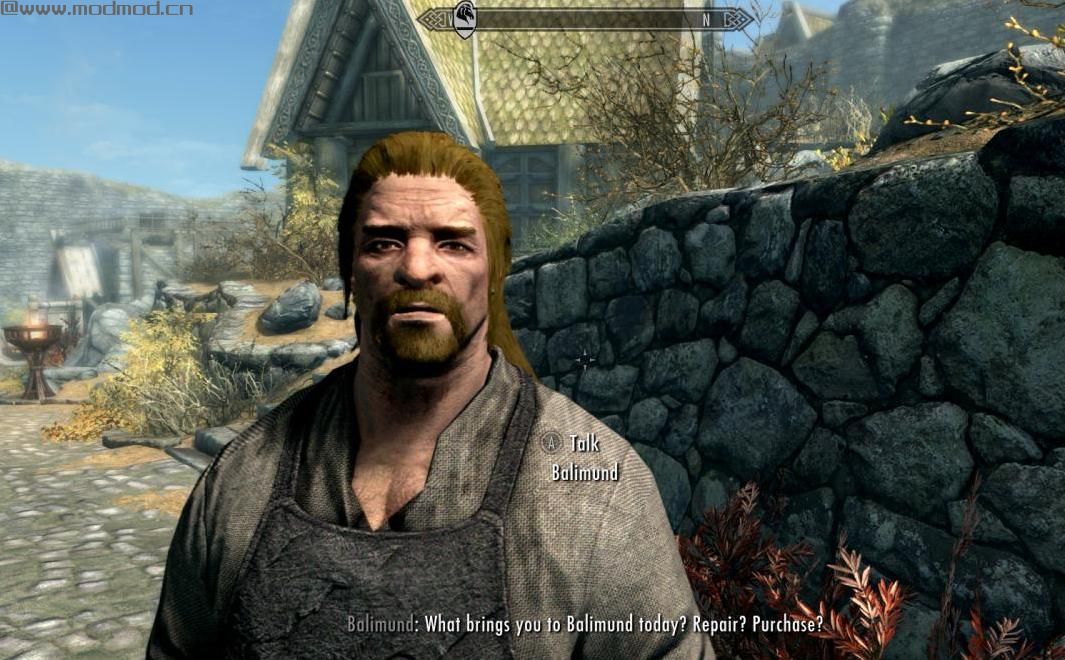
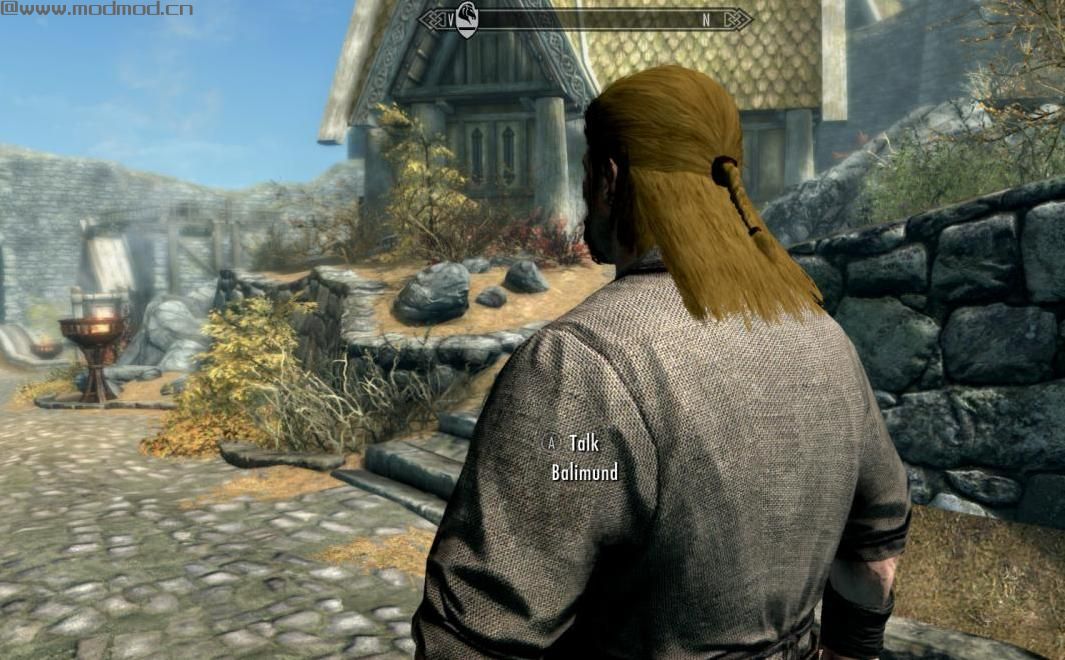
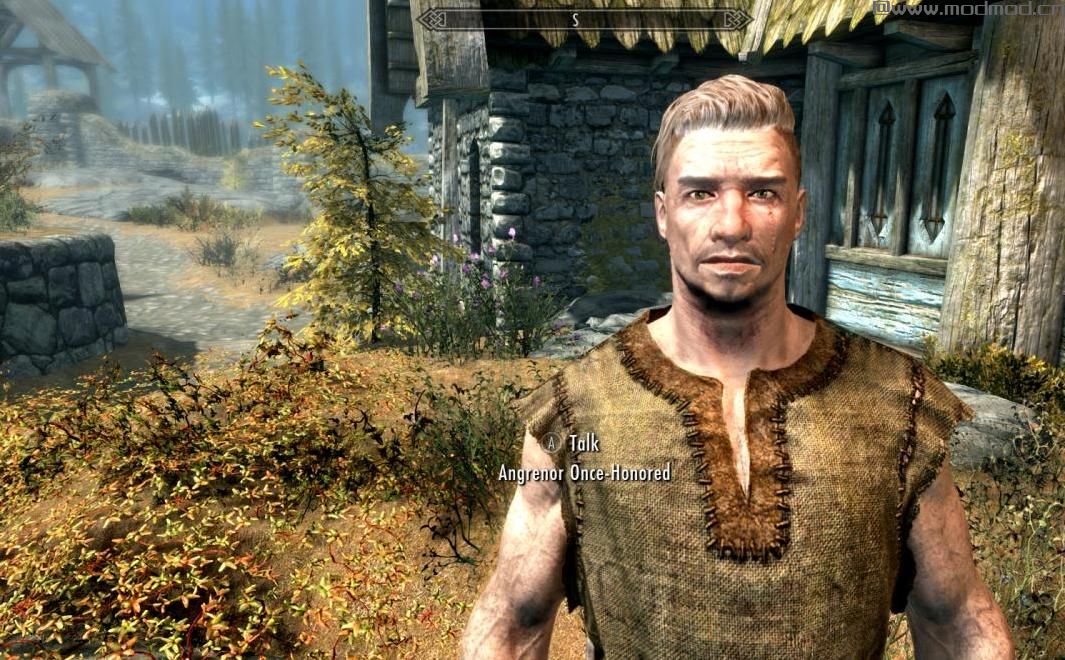
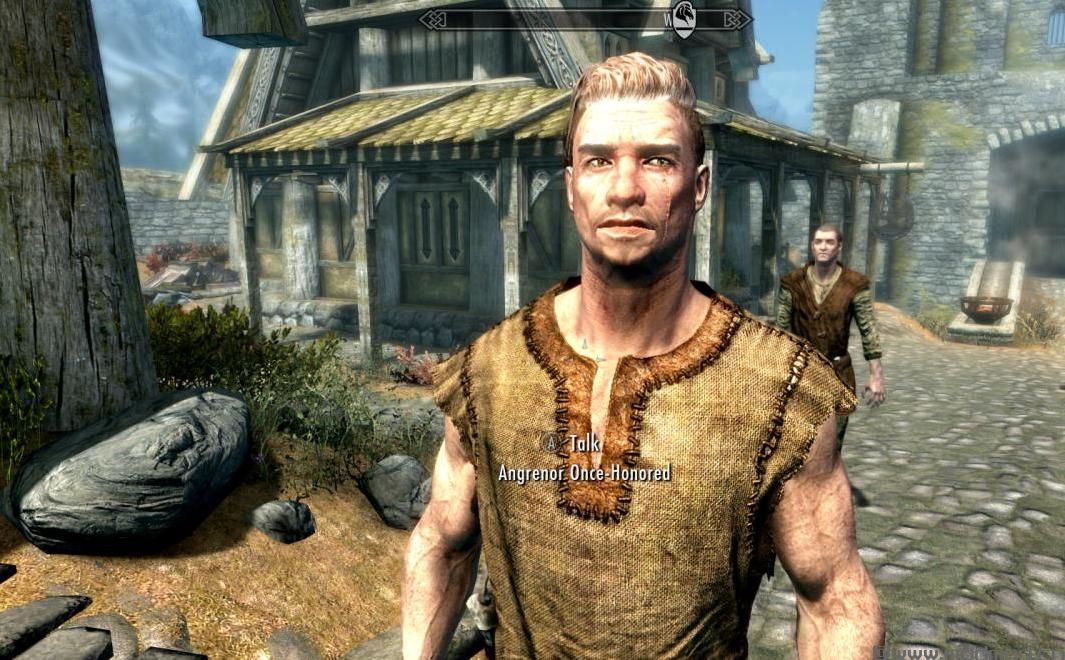
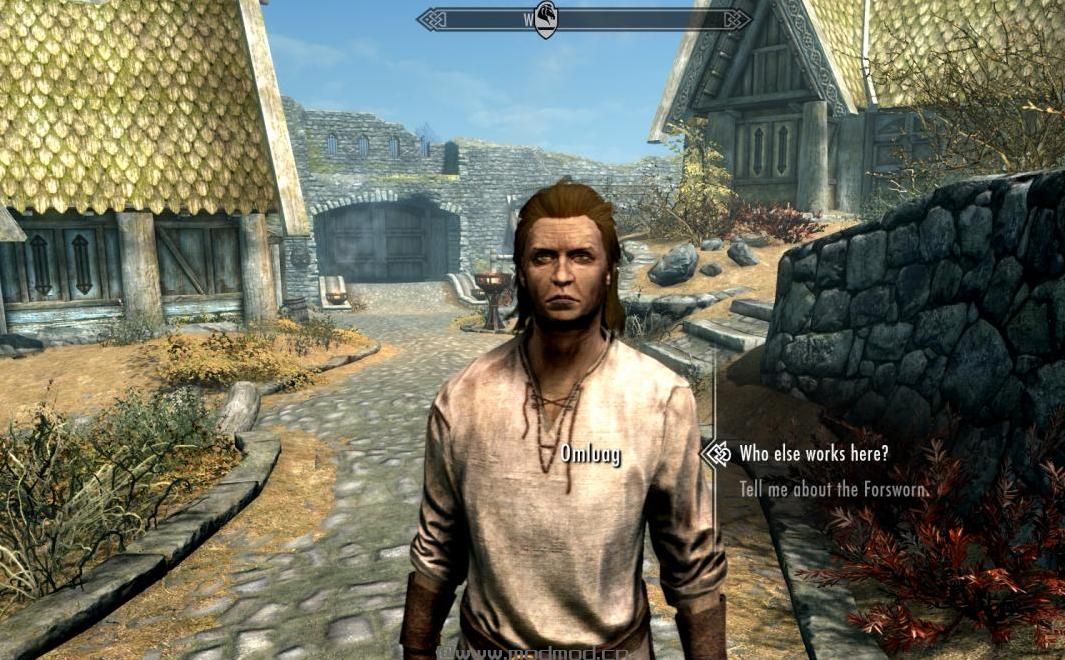
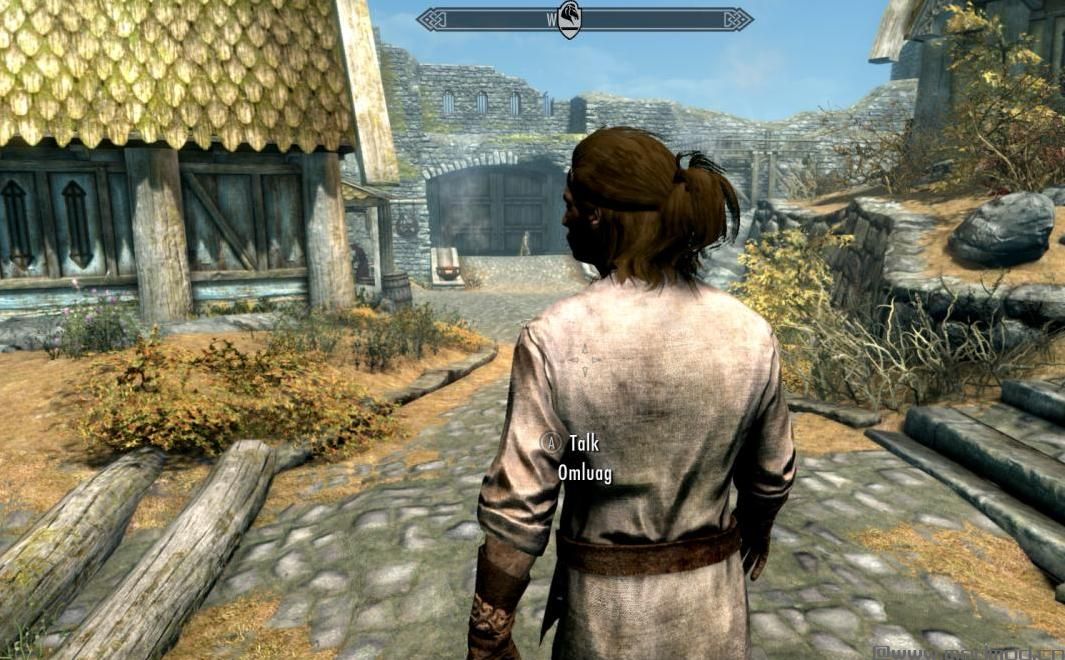
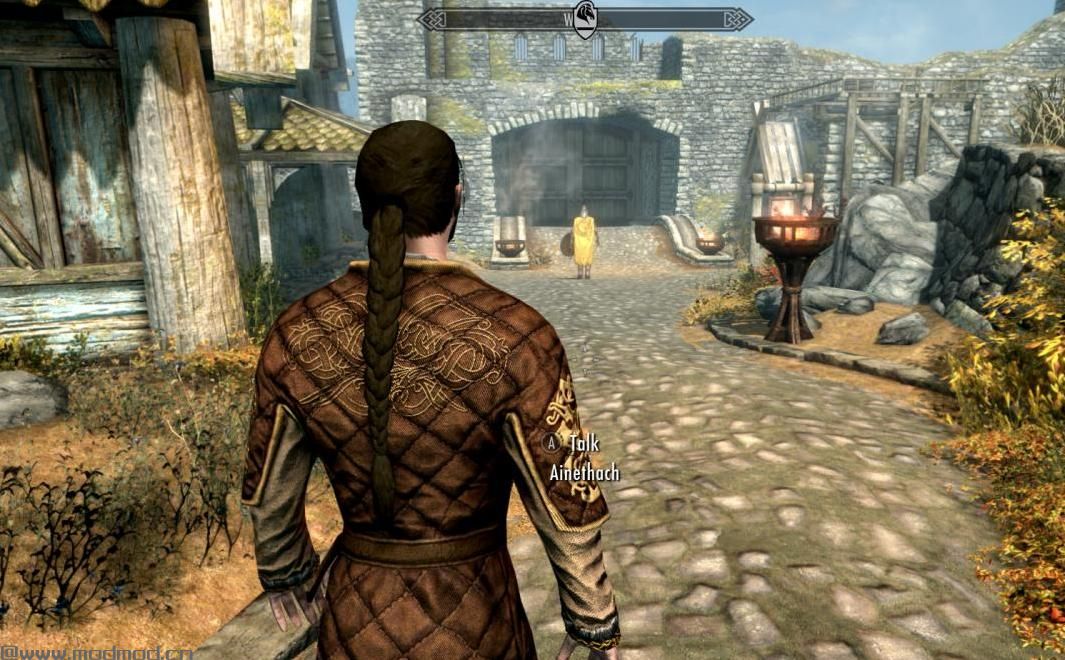
- 这个mod改变了15个结婚候选人的头发和次要面部特征(大部分比例和污垢)。选择所有的头发都是非常友好和适合NPC。
- 这个mod影响Ainethach,Angrenor,Balimund,Camilla,Ghorza,Octieve,Omluag,Pavo,Perth,Romlyn,Sorex,Sylgja,Taarie,Temba和Ysolda。
- 如果需要,我可以发布包或个人文件。
- 我做了这个mod,因为我只想改变一些小的东西,使婚姻候选人更具吸引力。它使配偶感觉更加特别和独特。 (我的其他mods涵盖了可结婚的粉丝。)
得到黑脸虫?
可能发生了三件事之一。
1.未正确安装mod。
2.还有另一个影响所述NPC / NPC的模式。您可能需要一个补丁和新的FaceGen文件。
3.您的装货单不正确。尝试在最底部或非常接近底部使用此mod。
*(我在CreationKit中重新生成了FaceGen文件,因此除了上面列出的3个问题之外,不应该有任何其他黑暗面的原因。)
要求:
天际特别版
ApachiiSkyHair SSE
盐和风 - ApachiiSkyHair SSE的粗糙头发(强烈推荐,但不需要)
如何安装:
*使用Mod Manager安装:
1.添加并激活存档。
*手动安装:
1.提取文件。
2.将提取的esp放入Skyrim Special Edition Data文件夹,将Meshes and Textures放入正确的文件夹中。
3.启用Skyrim Special Edition Launcher中的主文件。
如何卸载:
1.使用mod管理器卸载mod,或手动删除esp,Meshes和Textures。
(注意:这仅适用于天际特别版。)
我对SSE的其他修改:在这里
屏幕截图中显示的Mods:
- 仿古服装
- 天际披风
- 冬天来了
- 静态网格改进Mod
——————————————————————————————————————————————————————————
- This mod changes the hair and minor facial features (proportions and dirt, mostly) for 15 marriage candidates. All hairs were chosen to be lore-friendly and fitting of the NPC.
- This mod affects Ainethach, Angrenor, Balimund, Camilla, Ghorza, Octieve, Omluag, Pavo, Perth, Romlyn, Sorex, Sylgja, Taarie, Temba, and Ysolda.
- I may post packs or individual files if requested.
- I made this mod because I only wanted some minor things changed to make the marriage candidates more attractive. And it makes the spouses feel a bit more special and unique. (Marriageable followers were covered in my other mods.)
Getting the Dark Face Bug?
One of three things may have happened.
1. The mod was not installed correctly.
2. There is another mod affecting said NPC/NPCs. You might need a patch and new FaceGen files.
3. Your load order is not correct. Try having this mod either at the very bottom or very close to the bottom.
*(I regenerated the FaceGen files in the CreationKit so there shouldn't be any other reason for dark face, besides the 3 issues listed above.)
REQUIREMENTS:
Skyrim Special Edition
ApachiiSkyHair SSE
Salt and Wind - Rough Hair for ApachiiSkyHair SSE (Highly Recommended, but Not Needed)
HOW TO INSTALL:
*Installing with a Mod Manager:
1. Add and activate the archives.
*Manual Installation:
1. Extract the files.
2. Put the extracted esp into your Skyrim Special Edition Data folder and the Meshes and Textures in the correct folders.
3. Enable the main file in your Skyrim Special Edition Launcher.
HOW TO UNINSTALL:
1. Uninstall the mod with your mod manager, or by removing the esp, Meshes, and Textures manually.
(Note: This is for Skyrim Special Edition only.)
My Other Mods for SSE: Here
Mods Seen in Screenshots:
- Rustic Clothing
- Cloaks of Skyrim
- Winter is Coming
- Static Mesh Improvement Mod
演示截图:
资源查找:
最新文章
点击热榜
推荐问答
- [问答]情商课一般几岁孩子去学比较好?
- [问答]怎么看自己孩子情商低不低?孩子情商低的10大特征是真的吗?
- [问答]我想提高情商和说话要看什么书?
- [问答]顾三月情感课程pdf谁有?
- [问答]谁有情感培训课程资源?
- [问答]如何看卖情感课程正规还是不正规?
回复区
昵称:
邮箱:
内容: