巫师3:狂猎MOD 自然光线和风景Reshade
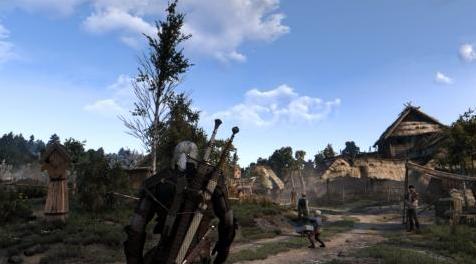
MOD介绍:
简单介绍:
这个Reshade精雕细琢,WLM的最新版本提供最好的视觉效果。
安装
1. Download Reshade version 3#1#0. (or latest version)
2. Run the "Reshade_Setup_3#1#0.exe" and follow instructions. 'Yes' do download effects.
3. Download my Reshade file in the files section.
4. Put the "Natural Lighting & Visuals WLM Final.ini" in the main Witcher 3 directory, where the .exe is located.
5. Put the reshade-shaders file in the witcher 3 main directory, where the .exe is located, overwrite when asked.
6. Load up the game, and press "F2" or "PG UP" to open the Reshade menu.
7. Follow instructions in menu, and select the "Natural Lighting & Scenery WLM Final.ini"
8. For best loading times of the reshade go to second tab, and select 'Performance mode".
9. Alternatively you can change the menu key, effect toggle key and every single key to your preferred version.
10. Enjoy your Natural Visuals & Scenery and lose yourself in the Witcher 3 world
所属游戏:
作者:marijnkoppens
原地址:
www#nexusmods#com/witcher3/mods/2950使用方法:
下载解压后:1、下载文件
2、将文件解压到mods文件夹中
3、运行游戏即可
演示截图:
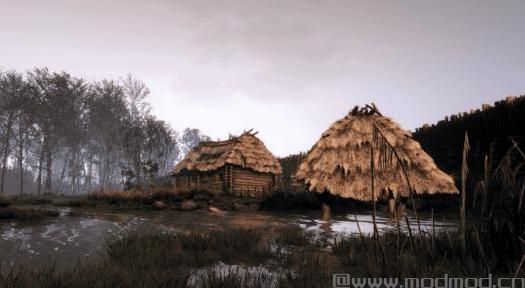
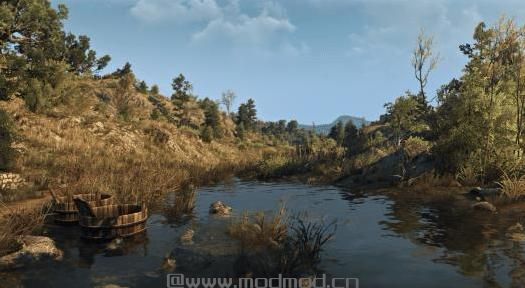
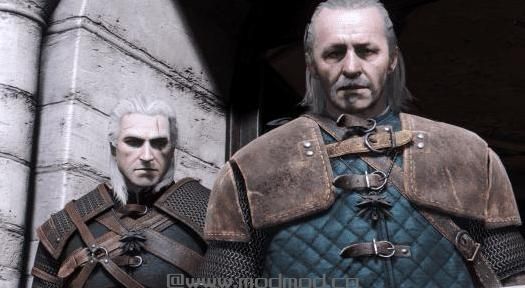
资源查找:
最新文章
点击热榜
推荐问答
- [问答]情商课一般几岁孩子去学比较好?
- [问答]怎么看自己孩子情商低不低?孩子情商低的10大特征是真的吗?
- [问答]我想提高情商和说话要看什么书?
- [问答]顾三月情感课程pdf谁有?
- [问答]谁有情感培训课程资源?
- [问答]如何看卖情感课程正规还是不正规?
回复区
昵称:
邮箱:
内容: