巫师3:狂猎MOD DLC - Mod合并和修复
MOD介绍:
简单介绍:
合并整合修复MOD和DLC的脚本冲突
安装
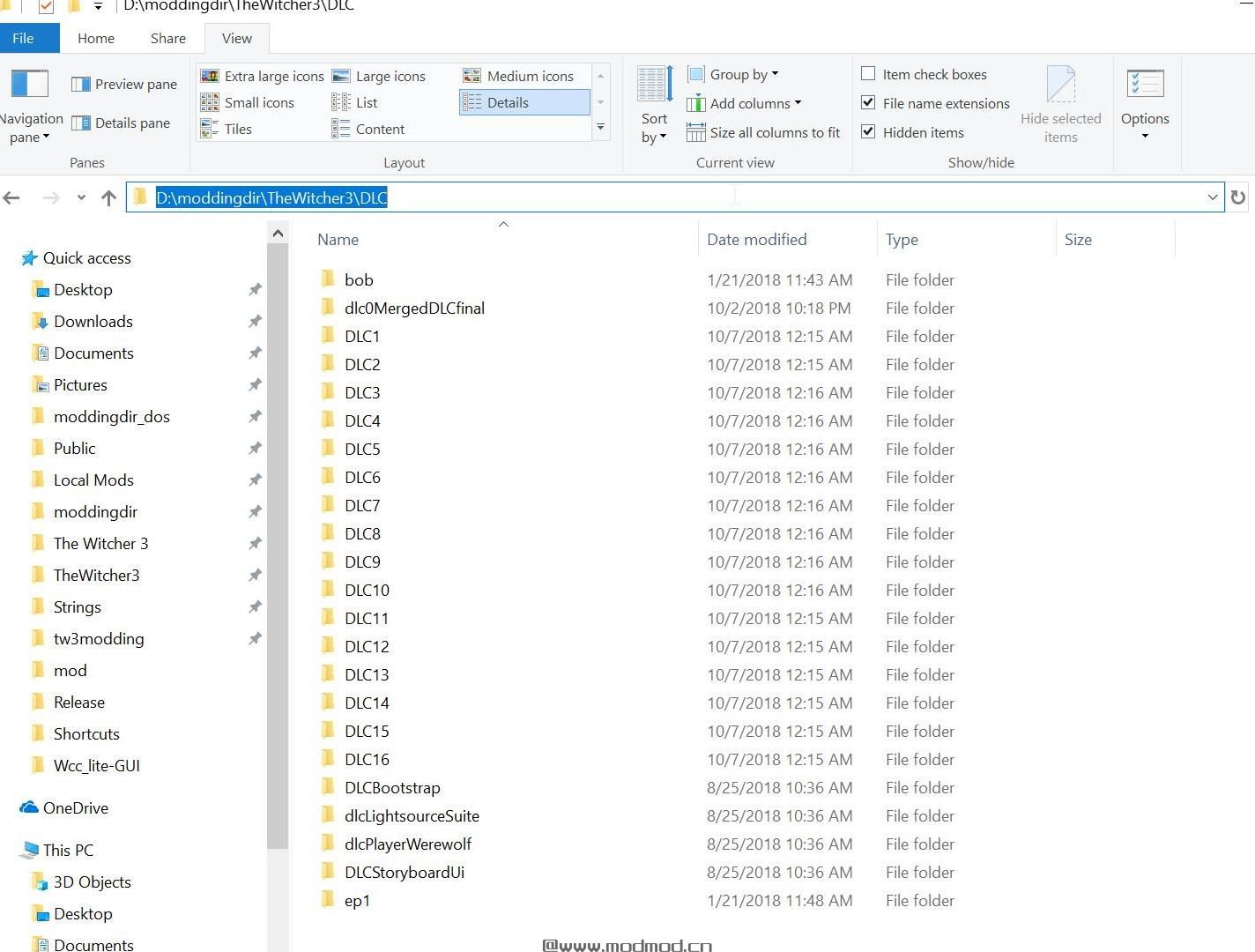
BEFORE ANY OF THE INSTALL OPTIONS BACK UP YOUR 16 FREE DLC: Copy the 16 folders in your Witcher 3/DLC directory to a backup directory on your PC.
MANUAL INSTALLATION
1. Go to each of the 16 DLC folders (DLC1, DLC2 ... DLC16) in your Witcher 3/DLC directory and delete:
a. the metadata.store file (16 in total - one for each DLC)
b. the texture.cache file (16 in total - one for each DLC)
c. the bundles folder (16 in total - one for each DLC)
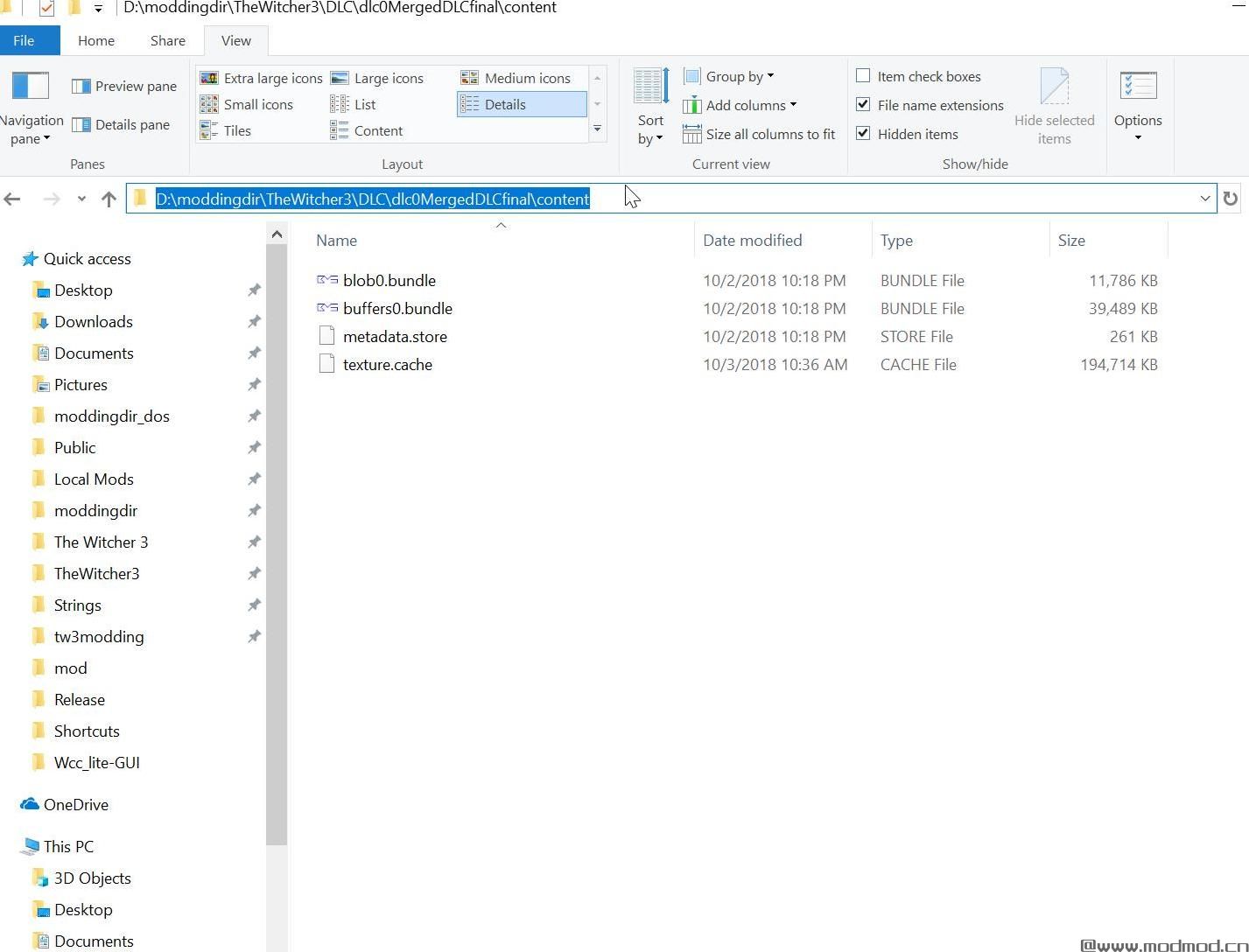
2. Download the merged bundle and extract its contents into your Witcher 3/DLC directory. (one folder "dlc0MergedDLCfinal")
SEMI_AUTOMATIC INSTALLATION
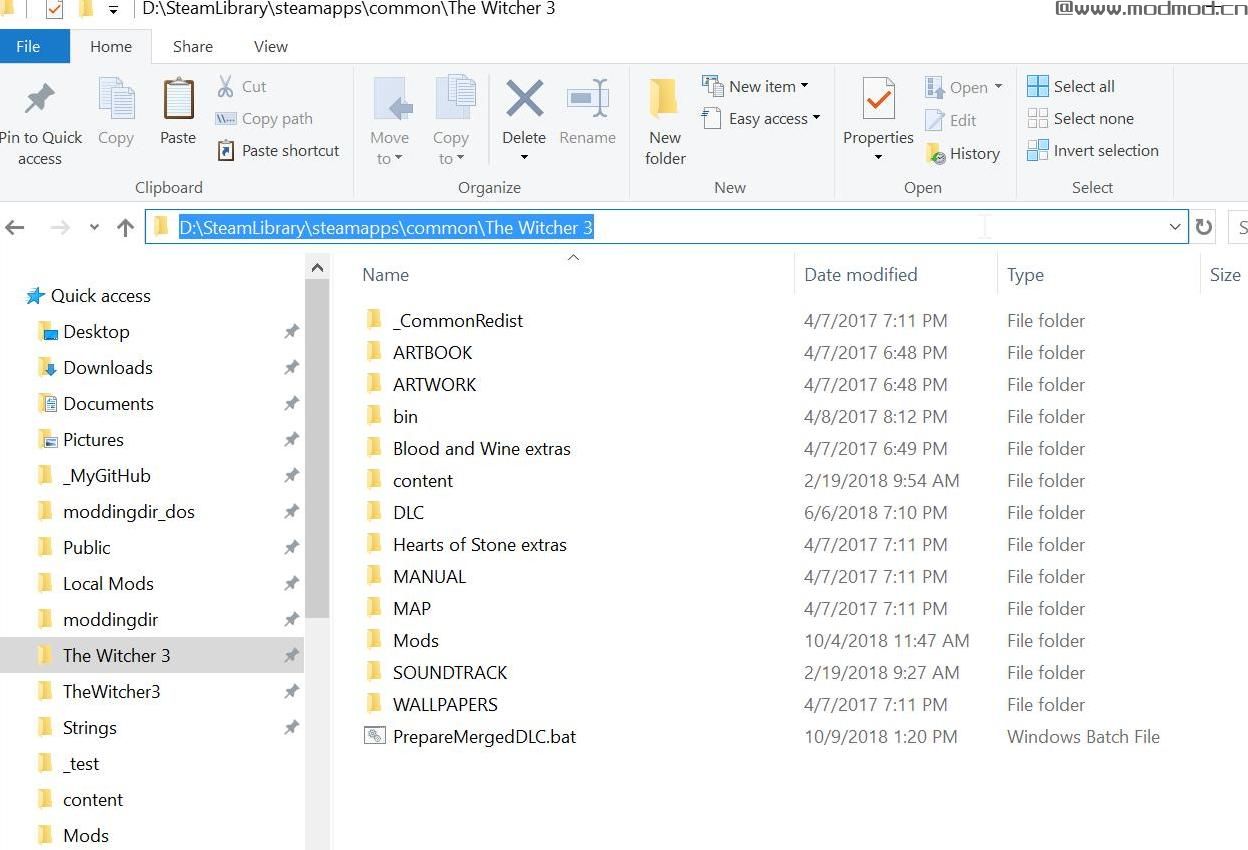
1. Download the optional Automatic Installer zip file and extract the .bat file to your Witcher 3 main directory - the folder where DLC, Mods etc are in.
2. Double click on the PrepareMergedDLC.bat and let the cleaner do its work.
3. Download the merged bundle and extract its contents into your Witcher 3/DLC directory. (one folder "dlc0MergedDLCfinal")
所属游戏:
作者:rfuzzo
原地址:
www#nexusmods#com/witcher3/mods/3334使用方法:
下载解压后:1、下载文件
2、将文件解压到mods文件夹中
3、运行游戏即可
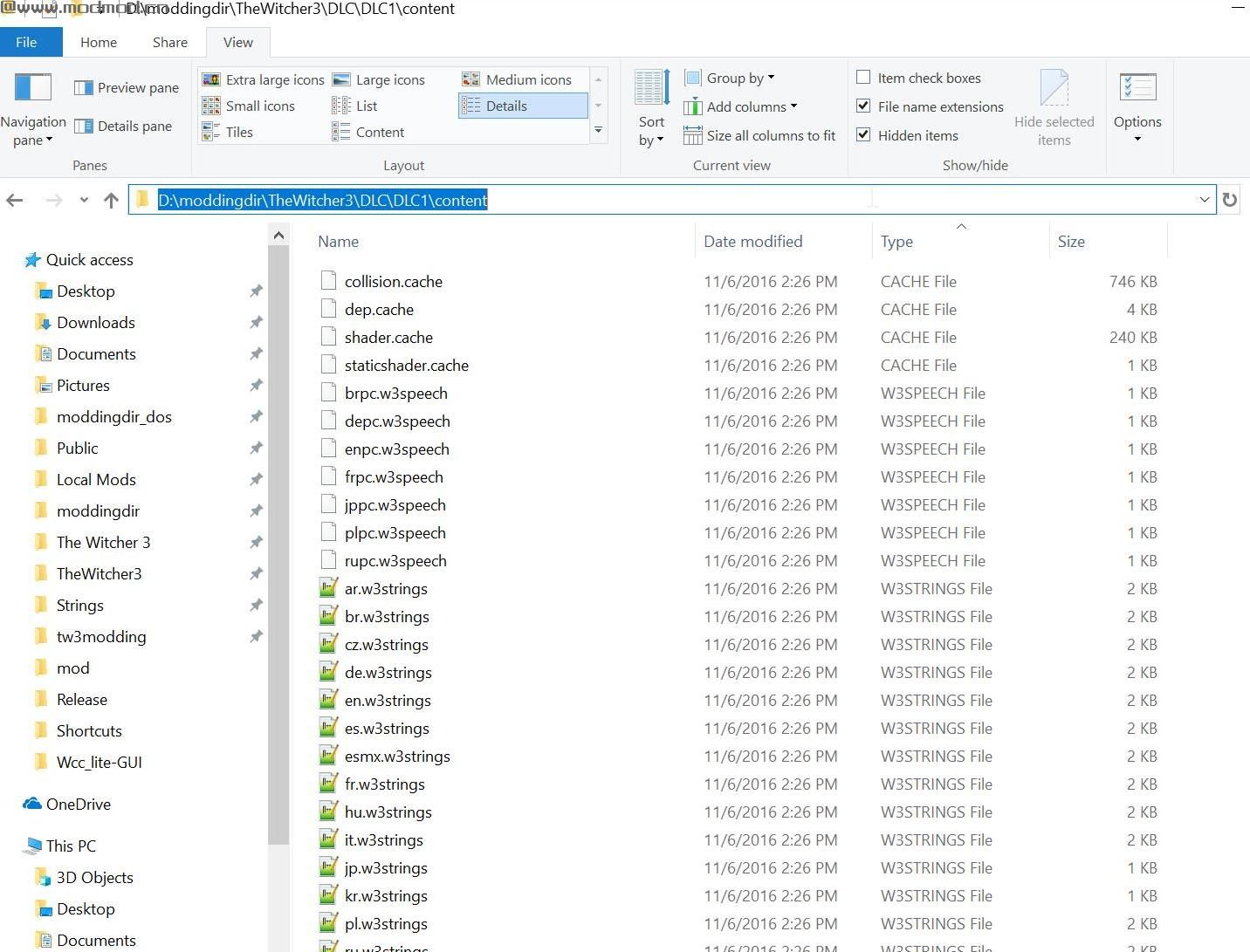
演示截图:
资源查找:
最新文章
点击热榜
推荐问答
- [问答]情商课一般几岁孩子去学比较好?
- [问答]怎么看自己孩子情商低不低?孩子情商低的10大特征是真的吗?
- [问答]我想提高情商和说话要看什么书?
- [问答]顾三月情感课程pdf谁有?
- [问答]谁有情感培训课程资源?
- [问答]如何看卖情感课程正规还是不正规?
回复区
昵称:
邮箱:
内容: