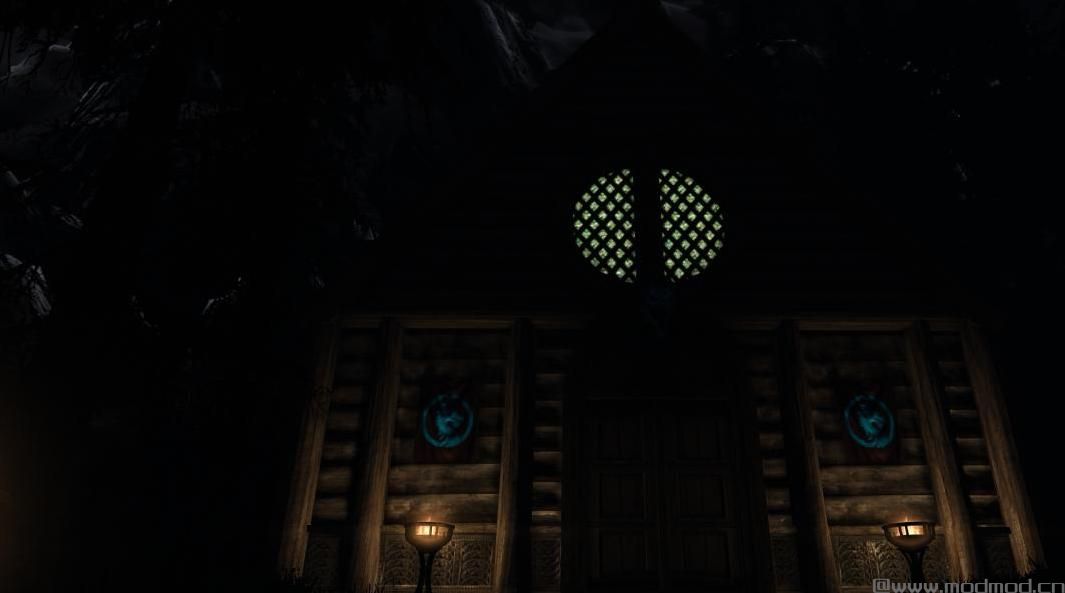
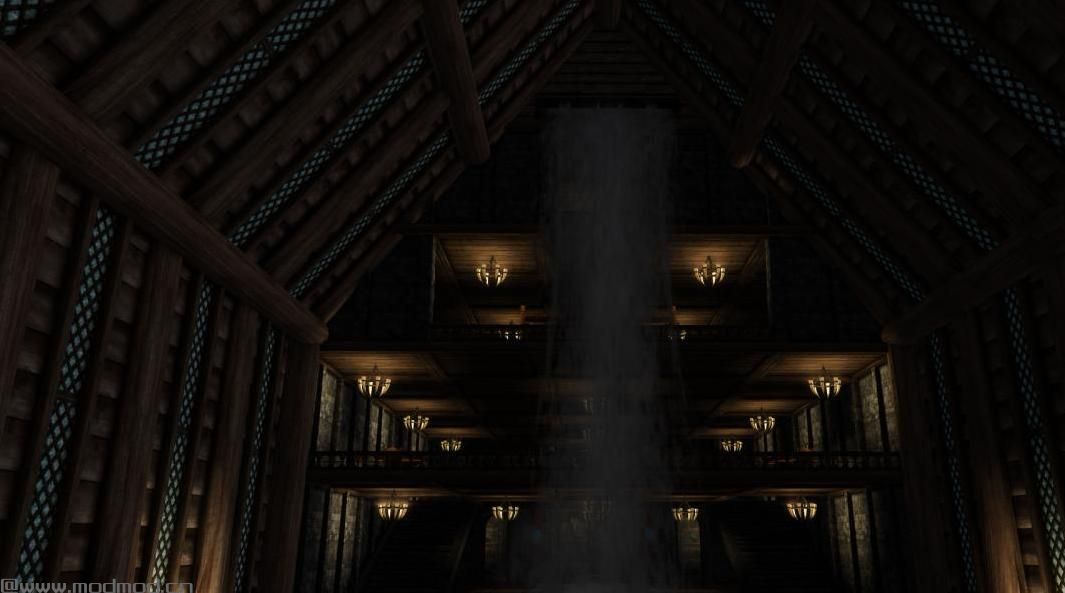
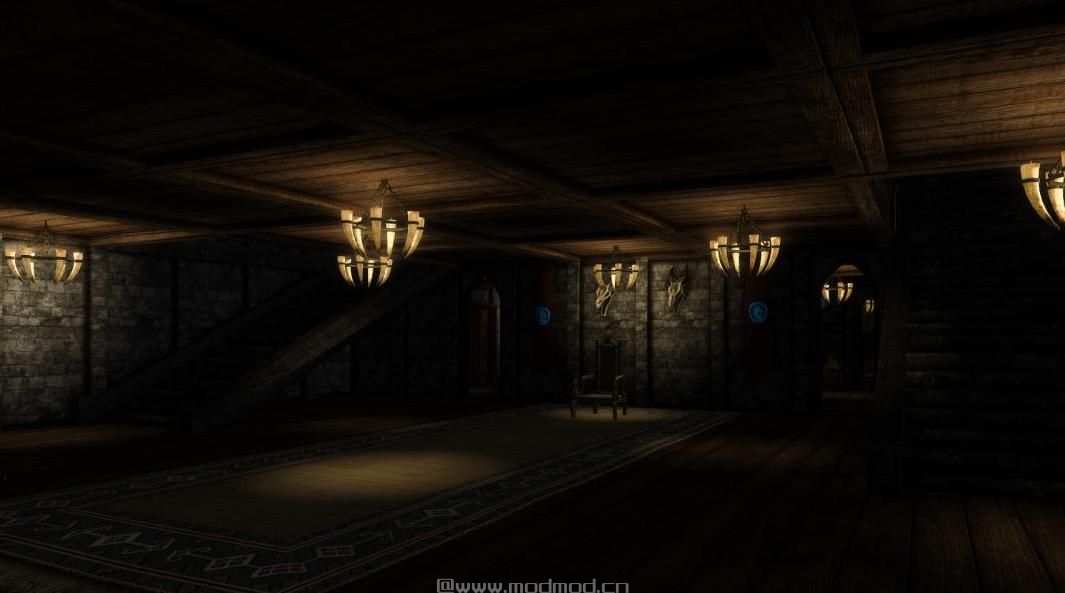
上古卷轴5:重置版MOD 尼克斯庄园
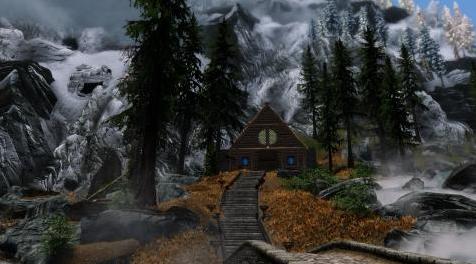
MOD介绍:
依赖
General Stores为方便起见组织您的物品,如果您有多个支持General Stores的玩家住宅,您可以从任何住宅访问您的物品。
进入和退出游泳池和水疗中心,传送室和两个传送法术时,SKSE64用于玩家和NPC剥离和纠正,以及动态添加AI包到内部单元格中的NPC(支持16个粉丝,6个孩子和1个妻子)。
建议
Crafting Cloud Storage将所有制作工作站链接到General Stores,这样您就不必在制作之前手动将项目从存储移动到库存中。
Hearthfire Multiple Adoptions允许您收养多达6个孩子并让他们住在自定义玩家家中,如Nix Manor。你需要在Nix Manor的内部施放Bless Home咒语。
My Home Is Your Home允许您为每个随从分配一个家,甚至是Nix Manor等定制玩家。当您解雇随从时,他们将返回您指定的家。
多层地板沙盒增加了NPC用于检测可与之交互的对象的半径。您可以使用mod或只更新INI(本mod的页面上的教程)。
尼克斯庄园主要使用香草质地,因此它可以从纹理替代品中获益。
奖杯室
General Stores不会将Trophy Room支持的所有内容自动排序到Treasures容器中。 Trophy Room中有一个Treasures容器,您可以手动将物品放入该容器中以显示它们。您还可以使用Store All Trophies选项,该选项将搜索您的库存并将所有支持的奖杯移动到Treasures容器中。存储所有奖杯还可以移动您通常无法从库存中移除的任务物品。
要测试Trophy Room,您可以在游戏控制台中运行bat alltrophies。首先,您需要创建alltrophies.txt并将其放在C:\ Program Files(x86)\ Steam \ steamapps \ common \ Skyrim Special Edition中。这是包含所有支持的奖杯列表的批处理脚本:
剧透:显示
传送室
其中一间小房间有两个拼写大小和一个传送垫。您可以使用Teleport Anchor设置位置,然后使用Teleportation Pad传送到该位置。您最多可以保存5个位置,并从菜单中选择所需的位置。您还可以获得Teleport Home,它将返回Teleportation Room。
用于输入文本的菜单和用于选择位置的菜单是SkyUILib(包含在主文件中)。我发现了一个错误并更新了它以使其更直观。我的更改不应该伤害使用此资源的任何其他mod,因此我建议使用我的文件覆盖。
兼容性
Grass Mods的景观修复确实编辑了Nix庄园所在的地形,只需确保Nix庄园在载荷顺序中修复了Grass Mods的Landscape Fixes。
更新和版本控制
我的版本格式是#。#。#。
1:第一个数字仅随主要变化而变化,例如添加新房间或更改楼层平面图。
2:第二个数字仅在更改要求最终用户清除其保存游戏文件时更改。 Skyrim在保存游戏文件中存储脚本,因此如果我更新脚本,游戏可能会加载旧脚本而不是新脚本,有时它甚至可以加载两个脚本,这可能会导致问题。您可以使用Fallrim Tools清理保存游戏文件。每当我发布这种类型的更新时,我都会发布一篇关于如何清理保存游戏文件的分步说明。
3:第三个数字只会随着不会破坏任何变化的微小变化而变化。
使用的工具
搅拌机
3D Studio Max
SSE NIF优化器
NifSkope
适用于3DS Max 2018的Nif工具
BSA浏览器
GIMP
使用的资源
书籍资源
自定义Sigils DIY
成分抽屉资源
Lolicept资源
精神错乱的杂乱的东西
精神错乱的洗涤物
打开图书馆
绘画和框架
准备杂乱和家具
T67 - 货架卷轴
Tueffels杂项资源
成分墙艺术
Freepik的Dragon Logo
Modder的资源包
通用显示器的机壳和机架
来自天际披风的斗篷
Elianora的额外资源
SkyUILib
使用的教程
我的线程照明错误和限制
黑暗之狐行会的不和谐(特别是Xander9009)
预定的可见性
让您的家庭多次收养友好
创建一个人体模型
设置武器架和武器牌
——————————————————————————————————————————————————————————
Dependencies
General Stores organizes your items for convenience and if you have multiple player homes that support General Stores, you can access your items from any of the homes.
SKSE64 is used for the player and NPC stripping and redressing when entering and exiting the pool and spas, the Teleportation Room and the two teleportation spells, and for dynamically adding AI packages to NPCs in the interior cell (supports 16 followers, 6 children and 1 wife).
Recommendations
Crafting Cloud Storage links all of the crafting stations to General Stores so that you don't have to manually move items from your storage into your inventory before crafting.
Hearthfire Multiple Adoptions allows you to adopt up to 6 children and have them live in a custom player home, like Nix Manor. You will need to cast the Bless Home spell in the interior of Nix Manor.
My Home Is Your Home allows you to assign each follower a home, even custom player homes like Nix Manor. When you dismiss a follower, they will return to the home you assigned them to.
Multiple Floors Sandboxing increases the radius that NPC's use to detect objects they can interact with. You can use the mod or just update the INI (tutorial on this mod's page).
Nix Manor uses mostly vanilla textures so it benefits from texture replacers.
Trophy Room
General Stores will not auto-sort everything supported by the Trophy Room into the Treasures container. There is a Treasures container in the Trophy Room and you can manually place items into that container in order to display them. You can also use the Store All Trophies option, which will search your inventory and move all supported trophies into the Treasures container. Store All Trophies can also move quest items that you normally can't remove from your inventory.
To test the Trophy Room, you can run bat alltrophies in the game's console. First you need to create alltrophies.txt and place it in C:\Program Files (x86)\Steam\steamapps\common\Skyrim Special Edition. Here is the batch script containing a list of all the supported trophies:
Spoiler:
Show
Teleportation Room
There are two spell tomes and a teleportation pad in one of the small rooms. You can use Teleport Anchor to set a location then use the Teleportation Pad to teleport to that location. You can save up to 5 locations and select the desired location from the menu. You also get Teleport Home, which will return you to the Teleportation Room.
The menu for entering text and the menu for selecting a location is SkyUILib (included in Main file). I found a bug and updated it to make it more intuitive. My changes shouldn't hurt any other mod that uses this resource, so I recommend overwriting with my files.
Compatibility
Landscape Fixes for Grass Mods does edit the terrain where Nix Manor is located, just make sure Nix Manor comes after Landscape Fixes for Grass Mods in the load order.
Updates and Versioning
My version format is #.#.#
1: The first number only changes with major changes, like the addition of a new room or a change in the floor plan.
2: The second number only changes when the change requires the end-user to clean their save game file. Skyrim stores scripts in the save game file, so if I update a script, the game may load the old script instead of the new script and sometimes it can even load both scripts, which can cause issues. You can clean your save game file using Fallrim Tools. Whenever I release this type of update, I will make a Post with step-by-step instructions on how to clean your save game file.
3: The third number will only change with small changes that won't break anything.
Tool Used
Blender
3D Studio Max
SSE NIF Optimizer
NifSkope
Nif Tools for 3DS Max 2018
BSA Browser
GIMP
Resources Used
Booksets Resource
Custom Sigils DIY
Ingredients Drawer Resource
Lolicept Resources
Insanity's Clutter Stuffs
Insanity's Washing Stuffs
Open Books Library
Paintings and Frames
Ready Clutter and Furnishings
T67 - Shelf Scrolls
Tueffels Misc Resources
Ingredients Wall Art
Dragon Logo by Freepik
Modder's Resource Pack
Busts and Rack from General Displays
Cloak from Cloaks of Skyrim
Elianora's Extra Resources
SkyUILib
Tutorials Used
my thread on lighting bugs and limits
The Dark Fox Guild's Discord (specifically Xander9009)
Scheduled Visibility
Make your home multiple adoptions friendly
Creating a Mannequin
Setting up Weapon Racks and Weapon Plaques
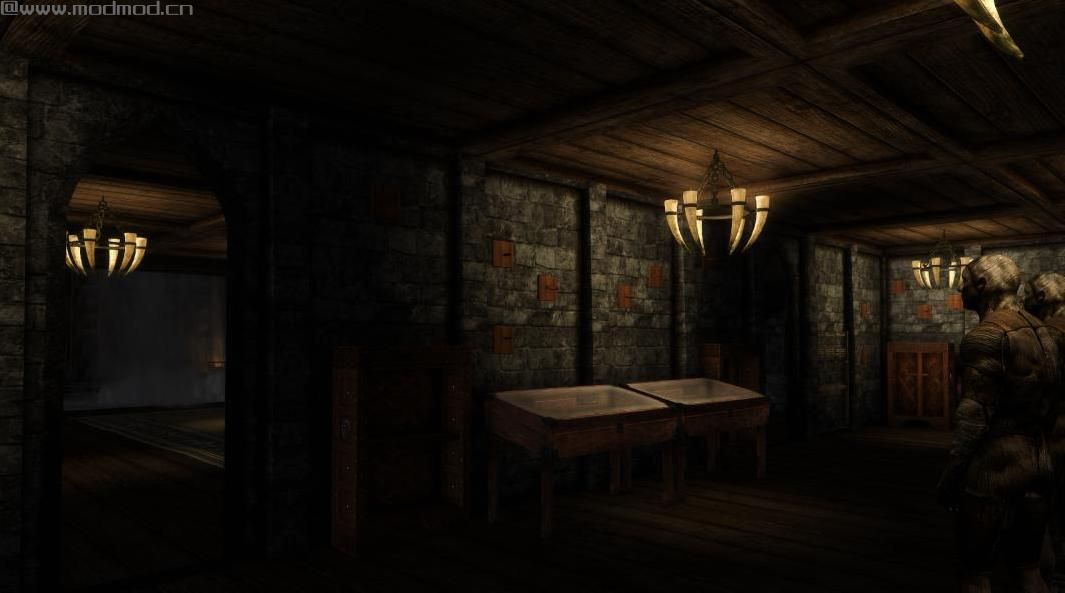
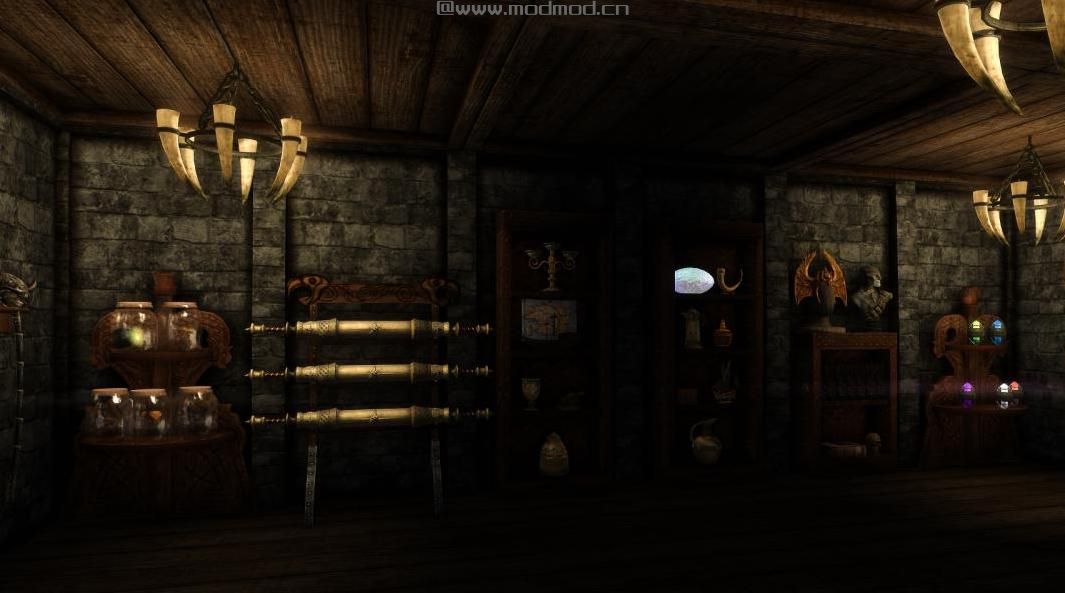
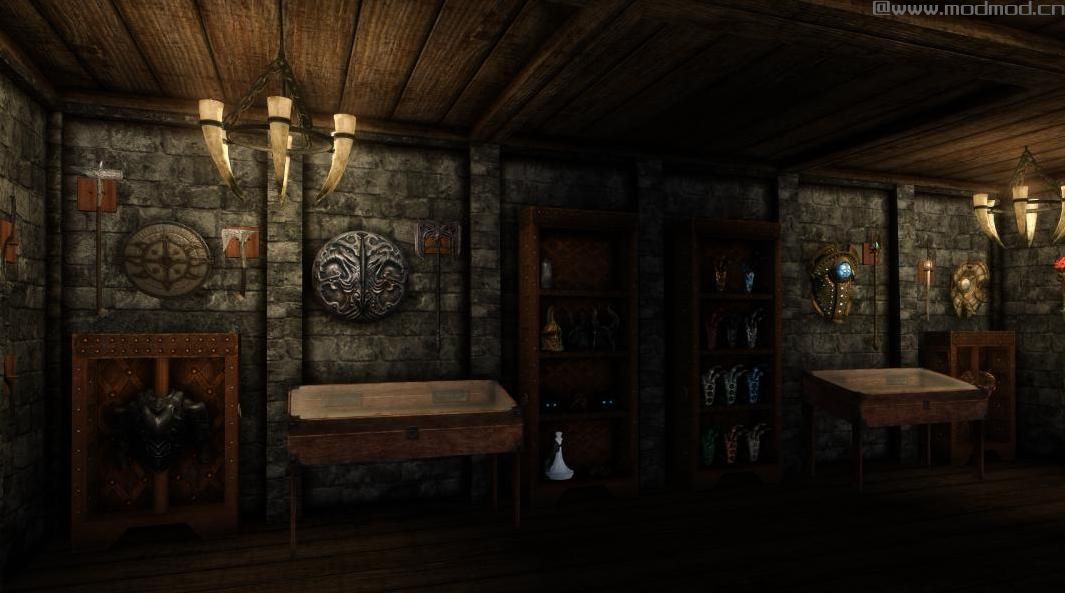
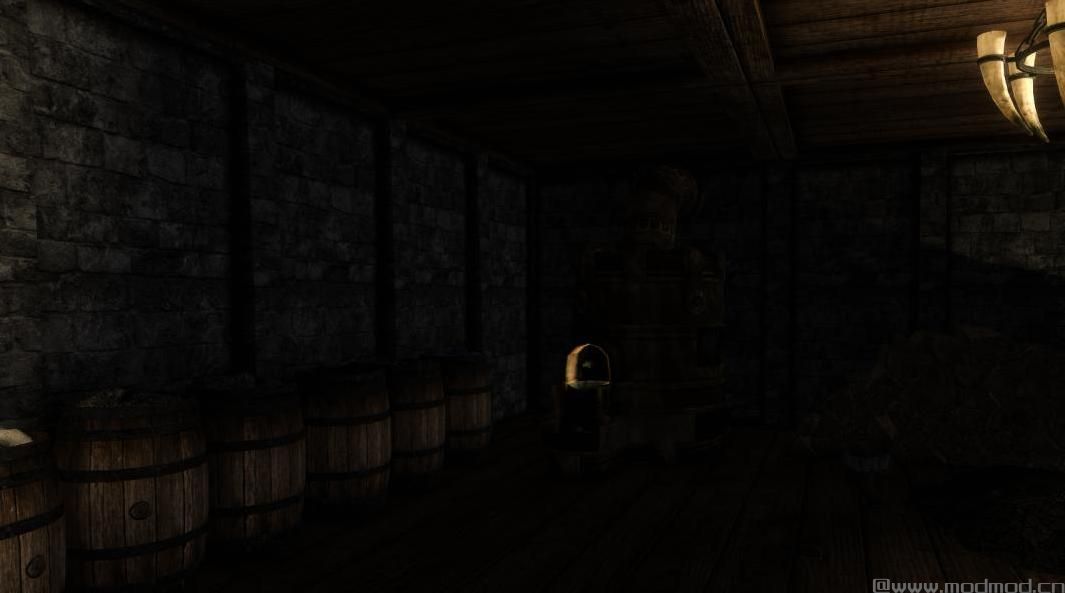
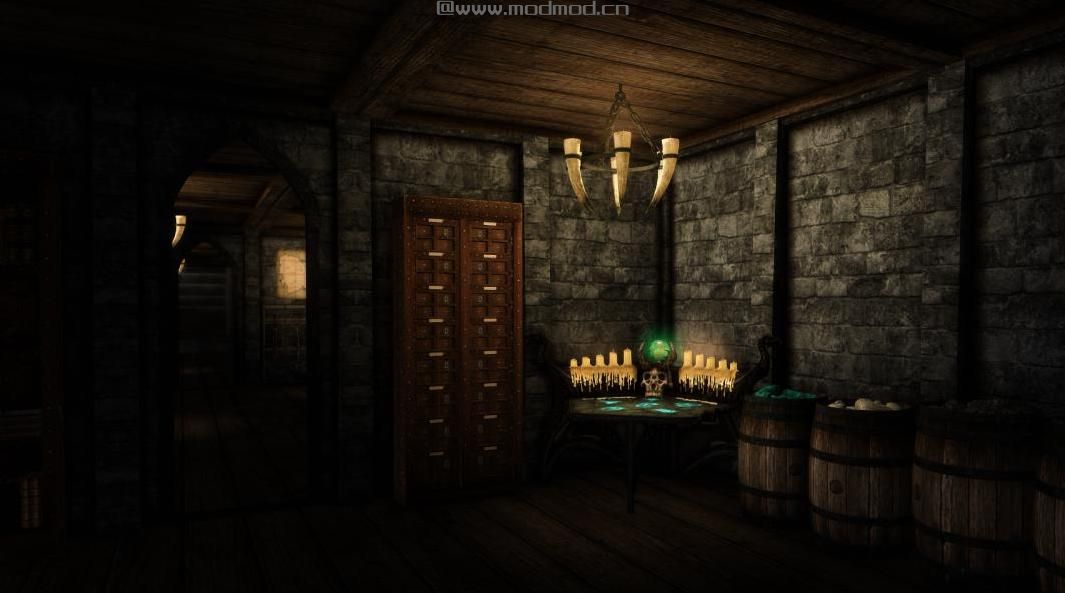
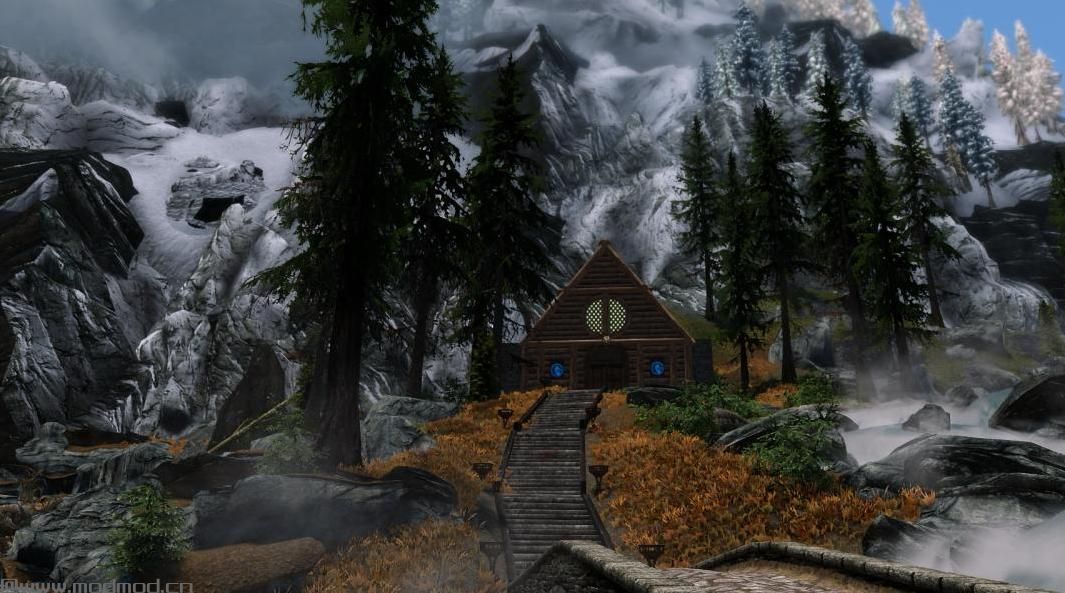
演示截图:
资源查找:
最新文章
点击热榜
推荐问答
- [问答]情商课一般几岁孩子去学比较好?
- [问答]怎么看自己孩子情商低不低?孩子情商低的10大特征是真的吗?
- [问答]我想提高情商和说话要看什么书?
- [问答]顾三月情感课程pdf谁有?
- [问答]谁有情感培训课程资源?
- [问答]如何看卖情感课程正规还是不正规?
回复区
昵称:
邮箱:
内容: