侠盗猎车手5MOD Tokyo Xtreme Racer Drift 2 Backstab Livery
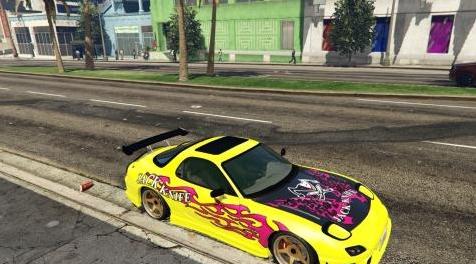
MOD介绍:
适用于Neos7的马自达RX-7 FD3S
刀满足你。
还包括一个定制的处理线,具有更大的加速度,更大的抓地力,最高速度约225 MPH。
安装:
1)启动OpenIV,切换编辑模式,转到:update> x64> dlcpacks> rx7tunable> dlc.rpf> x64> rx7tunable_vehicles.rpf,然后用我的rx7tunable.ytd替换。
2)对于处理,执行相同操作,但转到dlc.rpf> data,并将handling.meta文件替换为我的。
3)前往LS Customs / Benny's /使用培训师并选择Livery#2。
4)前往LS Customs / Benny's /使用培训师将汽车的颜色设置为黑色。
此外,请勿使用任何碳烟罩,否则不会显示引擎盖图形。
For Neos7's Mazda RX-7 FD3S
Knife to meet you.
Also includes a custom handling line with more acceleration, more grip, and a top speed of about 225 MPH.
INSTALLATION:
1) Launch OpenIV, toggle Edit Mode, go to: update > x64 > dlcpacks > rx7tunable > dlc.rpf > x64 > rx7tunable_vehicles.rpf, then replace rx7tunable.ytd with mine.
2) For the handling, do the same, but go to dlc.rpf > data instead, and replace the handling.meta file with mine.
3) Go to LS Customs/Benny's/Use a trainer and pick Livery #2.
4) Go to LS Customs/Benny's/Use a trainer to set the car's color to black.
Also, don't use any of the carbon hoods, or the hood graphic won't show.
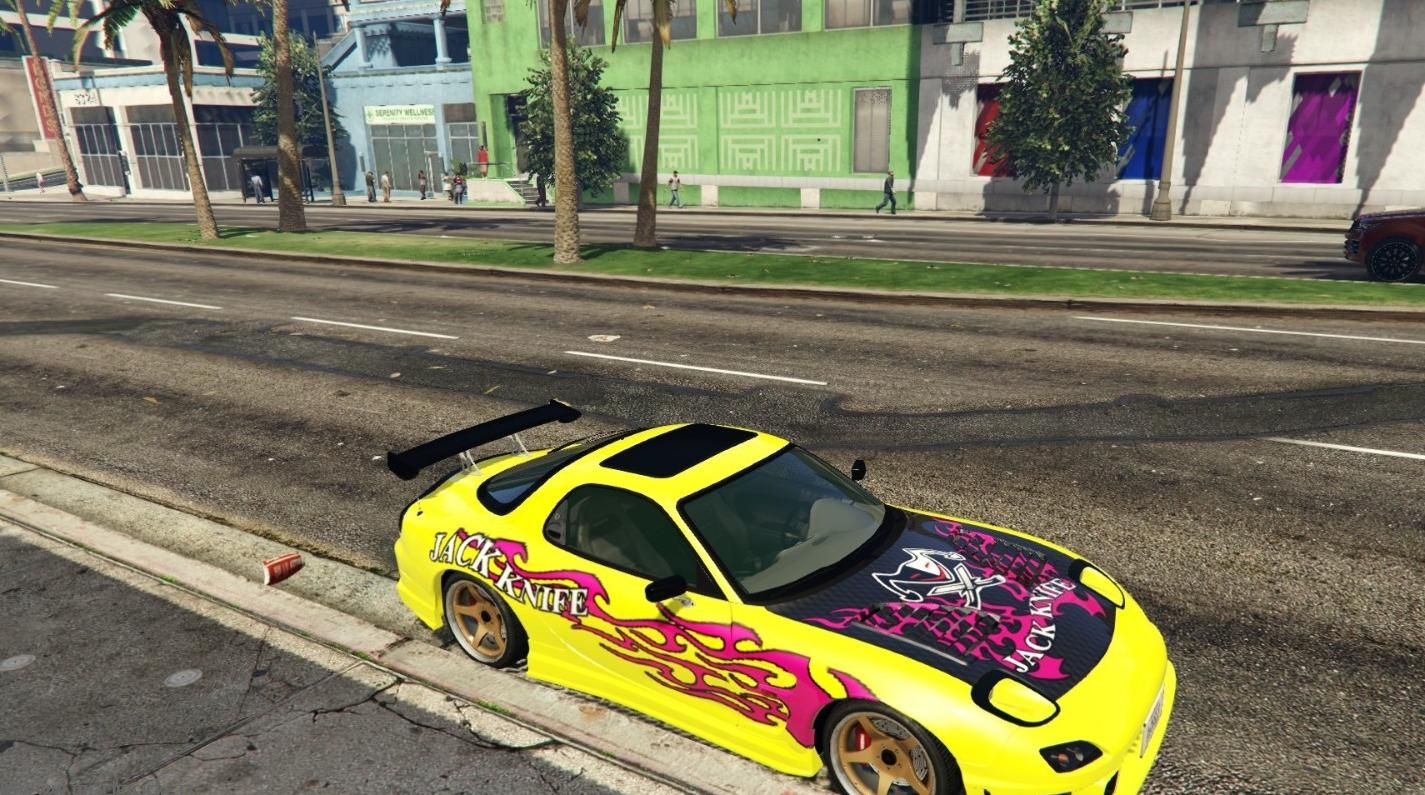
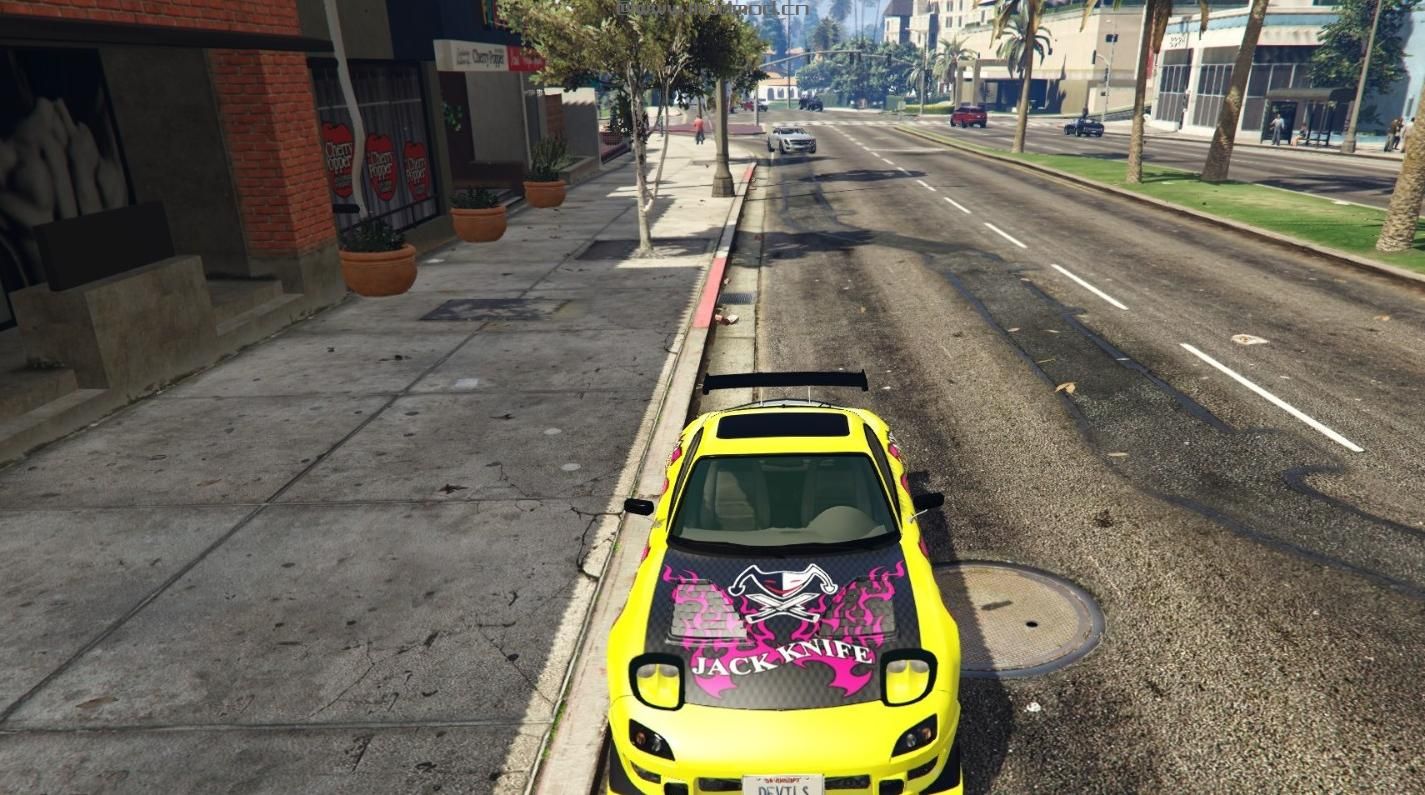
演示截图:
资源查找:
最新文章
点击热榜
推荐问答
- [问答]情商课一般几岁孩子去学比较好?
- [问答]怎么看自己孩子情商低不低?孩子情商低的10大特征是真的吗?
- [问答]我想提高情商和说话要看什么书?
- [问答]顾三月情感课程pdf谁有?
- [问答]谁有情感培训课程资源?
- [问答]如何看卖情感课程正规还是不正规?
回复区
昵称:
邮箱:
内容: