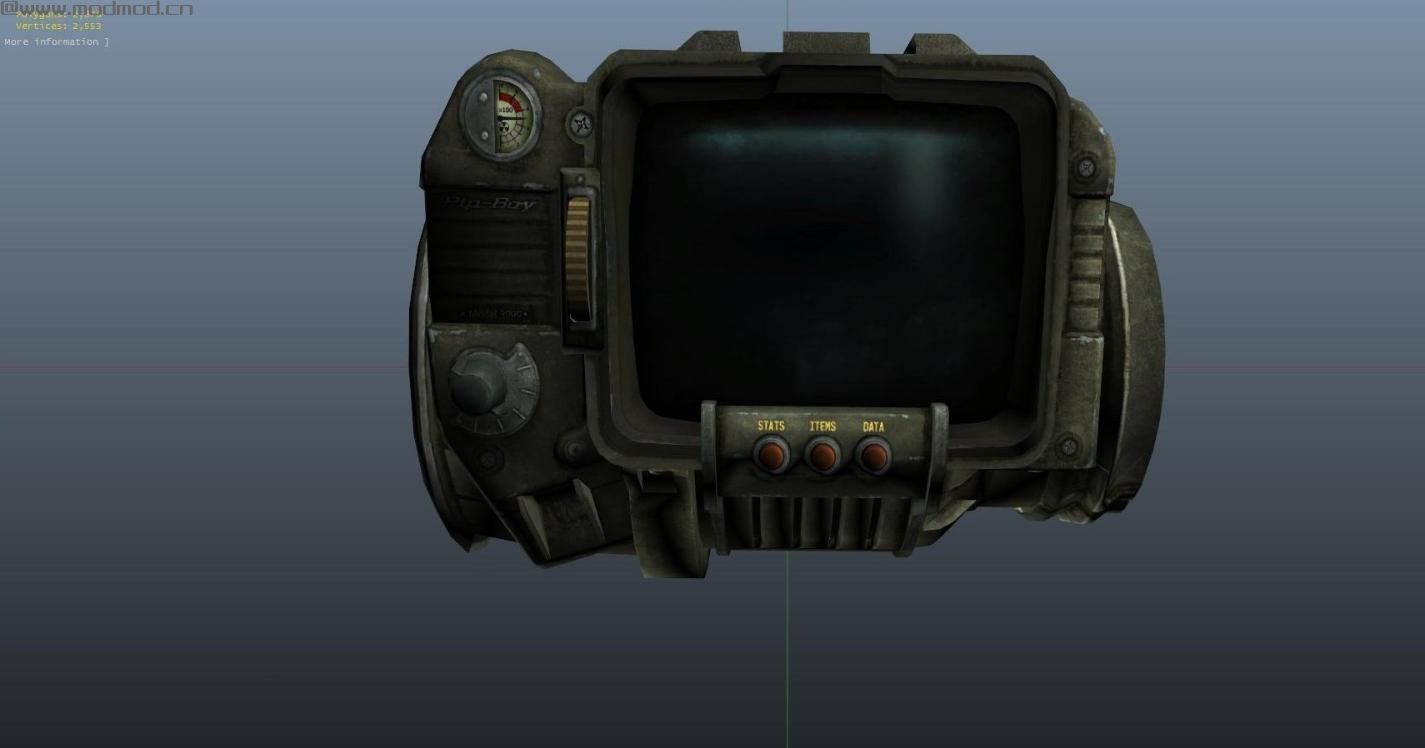
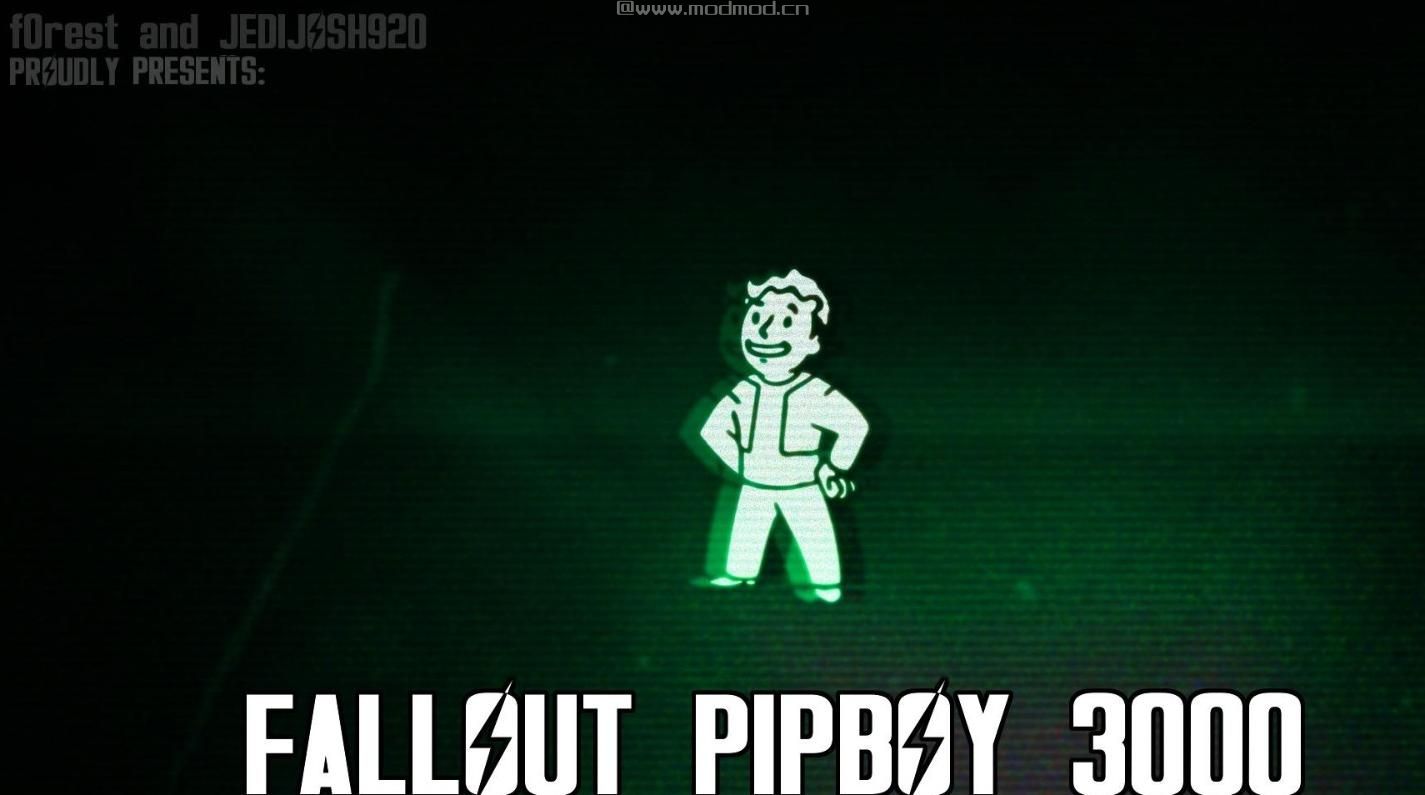
侠盗猎车手5MOD Pip-Boy 3000

MOD介绍:
安装
将PipBoy3000.dll和PipBoy3000.ini放入“脚本”文件夹中。您将需要Script Hook V和.NET Script Hook以及您可以在这里获得的最新版本的NativeUI:
www#dev-c#com/gtav/scripthookv/
github.com/crosire/scripthookvdotnet/releases
github.com/Guad/NativeUI/releases/
使用OpenIV并转到“x64c \ levels \ gta5 \ props \ lev_des \ _ v_minigame”并替换下载的“Model”文件夹中的模型。
控制
J - 配备Pip-Boy时打开Pip-Boy菜单。
K - 装备/ Unequip Pip-Boy。
TAB - 在菜单中切换Pip-Boy灯。
可以通过.ini文件编辑控件。
关于
从Fallout到Los Santos,这里是Pip-Boy 3000!包括声音效果和菜单让您感觉自己是GTA V中的孤独流浪者。现在,您可以使用菜单检查您的健康/护甲状态并打开Pip-Boy灯。更多功能,如装备/解除附件,无线电等。
更新日志
1.0
- 初始发行
积分
Guad - NativeUI
f0rest - 模型钻机
jedijosh920 - 脚本
Installation
Place PipBoy3000.dll and PipBoy3000.ini into your "scripts" folder. You will need Script Hook V and .NET Script Hook and the latest version of NativeUI which you can all get here:
www#dev-c#com/gtav/scripthookv/
github.com/crosire/scripthookvdotnet/releases
github.com/Guad/NativeUI/releases/
Use OpenIV and go to "x64c\levels\gta5\props\lev_des\v_minigame" and replace the model that is in the "Model" folder of the download.
Controls
J - Open Pip-Boy menu when Pip-Boy is equipped.
K - Equip/Unequip Pip-Boy.
TAB - Toggle Pip-Boy light when in menu.
The controls can be edited via the .ini file.
About
From Fallout to Los Santos, here's the Pip-Boy 3000! Includes sound effects and a menu to feel like you're the Lone Wanderer in GTA V. For now, you can check your health/armor status and turn on the Pip-Boy light using the menu. More features to come such as equipping/unequipping attachments, radios, etc.
Changelog
1.0
- Initial Release
Credits
Guad - NativeUI
f0rest - Model Rig
jedijosh920 - Scripting
演示截图:
资源查找:
最新文章
点击热榜
推荐问答
- [问答]情商课一般几岁孩子去学比较好?
- [问答]怎么看自己孩子情商低不低?孩子情商低的10大特征是真的吗?
- [问答]我想提高情商和说话要看什么书?
- [问答]顾三月情感课程pdf谁有?
- [问答]谁有情感培训课程资源?
- [问答]如何看卖情感课程正规还是不正规?
实时热榜
回复区
昵称:
邮箱:
内容: