侠盗猎车手5MOD 优胜美地RampTruck
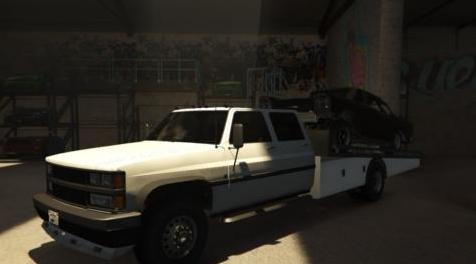
MOD介绍:
我的第20个mod
GTA IV:Thundersmacker和JoeVK
GTA V:eljamon88
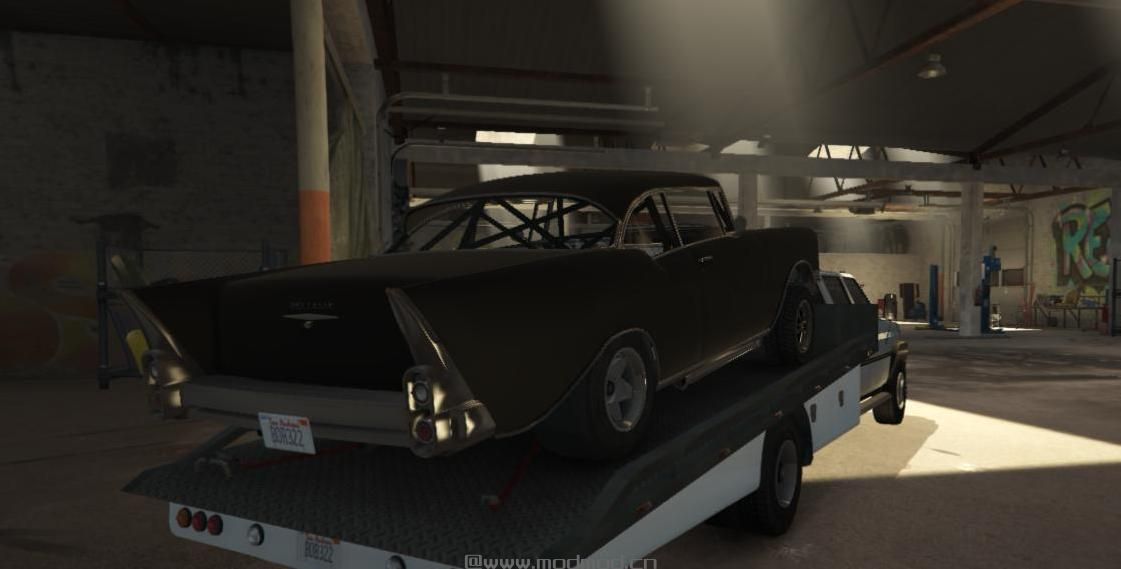
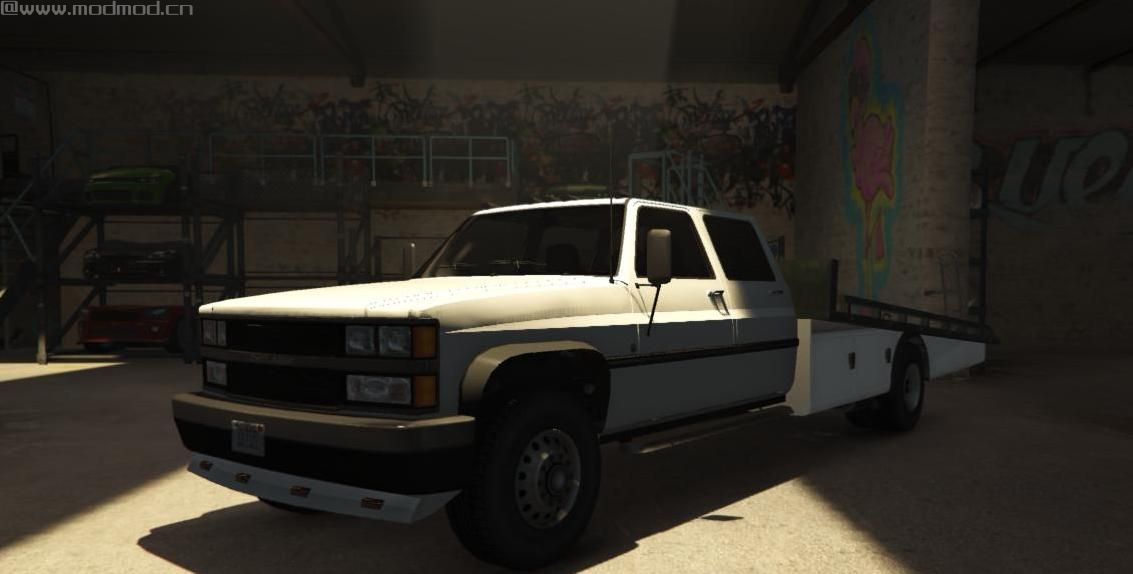
斜坡卡车:我
从roadkill得到了这个想法
安装附加组件
1.Drop Yosemite_RampTruck文件夹更新\ x64 \ dlcpacks
2.从update \ update.rpf \ common \ data编辑dlc列表
3.将此行添加到:dlcpacks:\ Yosemite_RampTruck \
4.save并替换它
产卵yosemitexl
安装更换
1.启动OpenIV
2.转到:GTA V \ update \ x64 \ dlcpacks \ patchday14ng \ dlc.rpf \ x64 \ levels \ gta5 \ vehicles \ vehicles.rpf
3.启用编辑模式并替换下载的YFT / YTD文件
更改日志
1.1
添加了附加版本
添加了拖杆
增加新的排气量
固定床碰撞,所以你现在可以开车,但你需要menyoo将汽车连接到床上
重建床
1.2
将产卵名称更改为Yosemitexl
更改了文件夹名称
修正了一些错误
请享用!
My 20th mod
GTA IV : Thundersmacker's and JoeVK
GTA V : eljamon88
Ramp Truck : Me
Got this idea from roadkill
INSTALLATION Add-On
1.Drop Yosemite_RampTruck folder to update\x64\dlcpacks
2.Edit dlc list from update\update.rpf\common\data
3.add this line to :dlcpacks:\Yosemite_RampTruck\
4.save and replace it
Spawn yosemitexl
INSTALLATION Replace
1. Start OpenIV
2. Go to: GTA V\update\x64\dlcpacks\patchday14ng\dlc#rpf\x64\levels\gta5\vehicles\vehicles#rpf
3. Enable Edit Mode and replace the downloaded YFT/YTD files
Change Log
1.1
Added Add-On Version
Added tow bar
Added new exhaust
Fixed bed collisions so you can now drive on but you need menyoo to attach the car to the bed
Rebuilt the bed
1.2
Changed spawn name to Yosemitexl
Changed folder name
Fixed a few bugs
Enjoy!
演示截图:
资源查找:
最新文章
点击热榜
推荐问答
- [问答]情商课一般几岁孩子去学比较好?
- [问答]怎么看自己孩子情商低不低?孩子情商低的10大特征是真的吗?
- [问答]我想提高情商和说话要看什么书?
- [问答]顾三月情感课程pdf谁有?
- [问答]谁有情感培训课程资源?
- [问答]如何看卖情感课程正规还是不正规?
实时热榜
- [讨论]自己情商低的人应该怎么提高情商?
- [讨论]一些高情商的回复方式课程在哪里找?
- [讨论]孩子情商低父母要怎么培养?
- [讨论]如何从小培养孩子的高情商?
- [讨论]2026年三星堆值得去吗?三星堆讲解哪家好?
- [讨论]让9一15岁培养高情商的孩子相关书籍和课程分享!
回复区
昵称:
邮箱:
内容: